Traditional CRM vs. New CRM: Which Is Right for Your Business?

The landscape of customer relationship management (CRM) has seen massive shifts over the years, progressing from traditional CRM systems to the emergence of new, more flexible CRM technologies. Traditional CRM is typically an on-premise system primarily focused on customer data management and tracking sales activities, whereas new CRM leverages cloud technology to provide extended functionality, greater accessibility, and more user-friendly interfaces.

Key Takeaways

Here are the key differences between traditional CRM and new CRM:

  1. System infrastructure and accessibility
  2. User interface and usability
  3. Functionality and features
  4. Integration capabilities
  5. Cost implications and return on investment

Table of Contents

  • What Is Traditional CRM?
  • What Is New CRM?
  • Traditional CRM vs. New CRM: Key Similarities
  • Traditional CRM vs. New CRM: Key Differences
  • Traditional CRM vs. New CRM: Which Is Best?

What Is Traditional CRM?

Traditional CRM, short for Customer Relationship Management, is a system that companies use to manage and analyze customer interactions and data throughout the customer lifecycle. Its goal is to improve customer service relationships, retain customers, and drive sales growth. These systems are typically installed on company servers (on-premise) and are managed by IT staff.

How Does Traditional CRM Work?

Traditional CRM works by collecting customer data from various communication channels, including a company’s website, telephone, email, live chat, marketing materials, and more. The CRM software then analyzes this data about a customer’s history with a company and improves business relationships with customers, specifically focusing on customer retention and driving sales growth.

Benefits of Traditional CRM

The benefits of traditional CRM are manifold. It provides an organized system for storing and retrieving customer data, allows for tracking of sales activities, and gives detailed insights into customer behavior, enabling businesses to formulate effective marketing strategies. The on-premise nature of traditional CRM also gives businesses full control over their data, which can be critical for organizations with stringent data security requirements.

What Is New CRM?

New CRMs, often referred to as modern or cloud-based CRM, is the latest evolution in the field of customer relationship management. These systems, like their traditional counterparts, aim to streamline customer interactions and data management. However, they do so with a host of additional features, greater flexibility, enhanced user experience, and cloud-based accessibility.

How Does New CRM Work?

New CRMs operate on a cloud-based model, allowing for real-time access to customer data from any location and any device with internet connectivity. This type of CRM system integrates with various digital platforms, including social media and other third-party applications, and provides an expanded set of tools such as artificial intelligence capabilities, marketing automation, and more.

Benefits of New CRM

New CRMs offers a number of benefits over traditional systems. They provide improved accessibility, allowing employees to access customer data anytime, anywhere. These systems are usually more user-friendly, with intuitive interfaces that reduce the learning curve for staff. Furthermore, new CRM systems are built to integrate seamlessly with other digital platforms, broadening the scope of data collection and customer engagement.

Traditional CRM vs. New CRM: Key Similarities

Here are the key similarities between traditional CRM and new CRM:

  1. Both aim to improve customer relationship management
  2. Both provide tools for data collection and analysis
  3. Both can automate certain repetitive tasks
  4. Both provide features for sales forecasting and tracking
  5. Both aim to increase customer retention and drive sales growth

Traditional CRM vs. New CRM: Key Differences

Feature Traditional (On‑Premise) Modern (Cloud‑Based / New CRM)
Infrastructure Local servers, internal IT Cloud servers, vendor‑managed
Access On‑site or via VPN Anywhere, any device
Setup & Maintenance Weeks/months, internal IT required Days/weeks, vendor handles updates and uptime
Upfront Cost High ($25K–$50K+ for mid‑sized teams) Low (subscription, ~$25–$150/user/month)
Security & Compliance Full internal control Vendor‑managed with enterprise‑grade standards
User Interface Complex and dated Intuitive and user‑friendly
Functionality Basic CRM features AI, automation, analytics, social integration
Integration Flexibility Limited, custom development needed API‑driven, prebuilt integrations

Here are the key differences between traditional CRM and new CRMs:

  1. System Infrastructure and Accessibility: Traditional CRM systems are typically on-premise, meaning they are installed and run on servers within the organization. In contrast, new CRM systems are typically cloud-based, allowing access from anywhere and at any time.
  2. User Interface and Usability: Traditional CRM systems often have complex user interfaces that can be difficult for some users to navigate. New CRM systems prioritize user experience, featuring intuitive designs that facilitate ease of use.
  3. Functionality and Features: While traditional CRM systems focus primarily on customer data management and tracking sales activities, new CRM systems offer a broader range of capabilities. These might include artificial intelligence tools, social media integration, and advanced analytical tools.
  4. Integration Capabilities: Traditional CRM systems often have limited integration capabilities with other digital platforms. In contrast, new CRM systems are designed for greater compatibility with various digital platforms, including social media and other third-party applications.
  5. Cost Implications and Return on Investment: Traditional CRM systems often involve significant upfront investment for software purchase and installation and ongoing costs for system maintenance and upgrades. New CRM systems, usually subscription-based, can provide a higher return on investment due to lower upfront costs, scalability, and continuous updates and improvements from the provider.

Traditional CRM vs. New CRM: What’s Changed in 2025?

The choice between traditional CRM and new CRM largely depends on a company’s unique needs and circumstances. Factors to consider include budget, implementation timeline, specific feature requirements, IT resources, and data security needs.

System Infrastructure & Accessibility
Traditional CRM systems remain on‑premise, installed and maintained internally. In contrast, modern CRMs today are overwhelmingly cloud‑based, with around 80% of CRM deployments using cloud platforms and 63% of businesses preferring cloud solutions. Cloud CRMs offer instant remote access, real‑time collaboration, and automatic updates—letting companies deploy in days rather than weeks.

User Interface & Usability
Older CRMs often suffer from clunky interfaces and steep learning curves. Newer platforms now emphasize streamlined, intuitive UX that minimizes onboarding friction and boosts adoption rates.

Functionality & Features
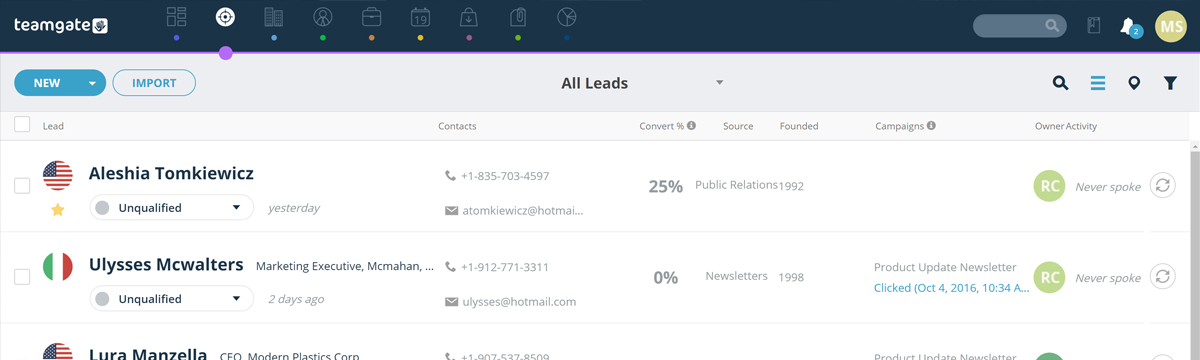
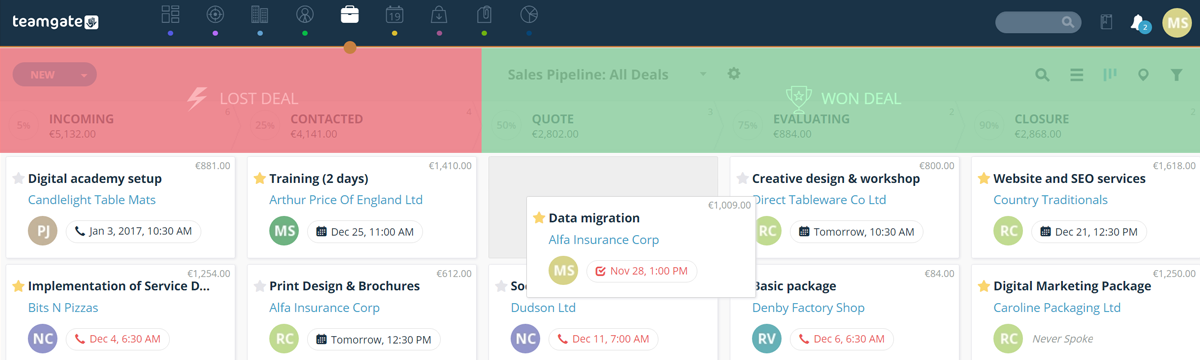
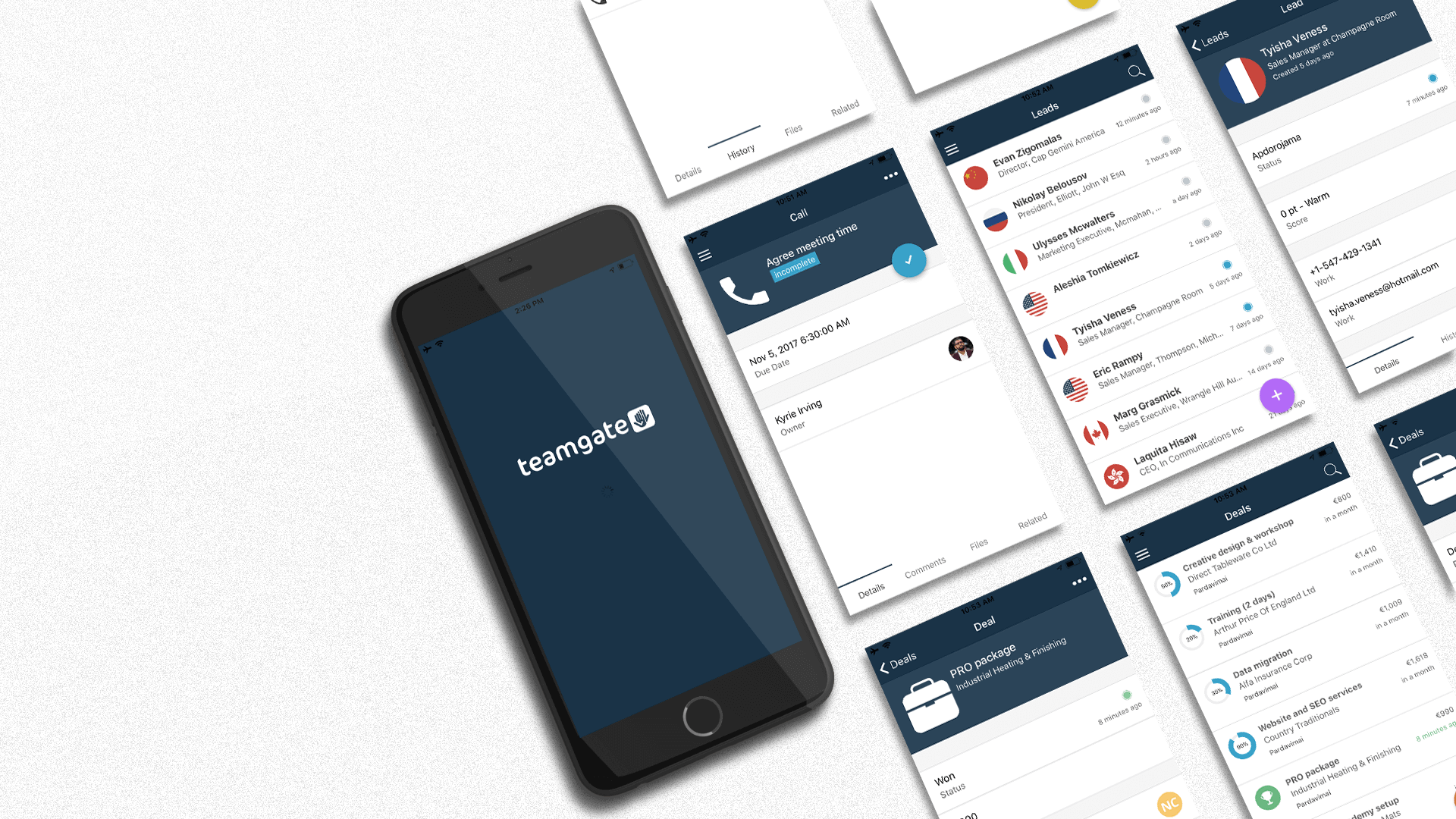
Where traditional CRMs were limited to basic customer and sales tracking, new CRMs now integrate features like AI‑powered forecasting, social media lead capture, automation workflows, advanced analytics, and built‑in communication tools. Teamgate, for example, supports in‑app dialing, LinkedIn integration, and lead scoring for highly proactive sales teams.

Integration Capabilities
Legacy CRMs often have limited compatibility. In contrast, modern CRMs boast API‑first architectures with native integrations through platforms like Zapier, supporting unified workflows across email, marketing, support, and finance tools.

Cost & ROI
Traditional CRMs often incur high upfront costs—sometimes $25,000–$50,000 for a mid‑sized deployment—plus ongoing maintenance and IT support. Cloud CRMs use subscription pricing (typically $25–$150/user/month), with lower upfront investment and built‑in updates, yielding faster ROI for many businesses.

Security & Control
On‑premise CRMs afford total internal control—appealing to industries with strict data governance needs. Cloud CRMs, while vendor‑managed, comply with top security standards, offer automatic backups, role‑based access, and continuous compliance updates. Most organizations now find cloud options meet or exceed required security standardsTeamgate+15

Teamgate CRM: Start Your Journey Today

Teamgate CRM offers the best of both worlds, providing the reliable data management features of traditional CRM along with the innovative, user-friendly, and flexible features of new CRM systems. With our platform, you can streamline your customer relationship management processes and drive growth in your business.

Whether you’re a fan of the control and stability offered by traditional CRM or the flexibility and cutting-edge features of new CRM, Teamgate CRM has a solution tailored to your needs. Ready to experience the future of customer relationship management? Request a demo or start your 14-day free trial today!

Related: All-in-One CRM v.s. Dedicated CRMs 

Want your business to grow like a bushfire but don’t want to spend money? Your wish has been granted early this year.

Here is a massive list of 400 free online tools and resources to help you become more productive, propel your design, social media and content marketing efforts to new heights and automate time-consuming tasks, so that you can direct all your attention and energy to more fruitful projects.

AI Tools for Business

What kind of article would we be writing about helpful tools in 2025 if it didn’t include AI? While this section spans all categories that we dive further into below, it is the only list fully focused on AI tools geared to drive your business to greater heights.

ChatGPT: The Classic. Helps with writing, brainstorming ideas, drafting emails, and answering questions. Best for general use.

Google Gemini: Like ChatGPT in terms of capability, but works inside Google Docs, Sheets, and Gmail to summarize, edit, and organize information.

Whitesonic/Jasper: A huge help to teams who don’t have copywriting capabilities. Creates blog posts, ads, and other marketing content quickly.

ElevenLabs: Turns text into realistic voiceovers for videos, podcasts, or product demos.

Otter.ai: Records meetings and automatically creates transcripts and summaries.

Github Copilot: Suggests code and helps developers write software faster. A big part of the reason you’re starting to hear the term “Vibe Coding”.

UXPin: Build or edit components of your design, prototype or website with a prompt or sketch.

OnlyMonster.ai: CRM and automation tool for agencies managing multiple creator accounts. It centralizes chats, analytics, and performance tracking to help teams automate workflows and scale efficiently.

Lindy.ai: AI and Automation go hand-in-hand. Create agents that handle tasks on your behalf.

Website Building Tools

resources

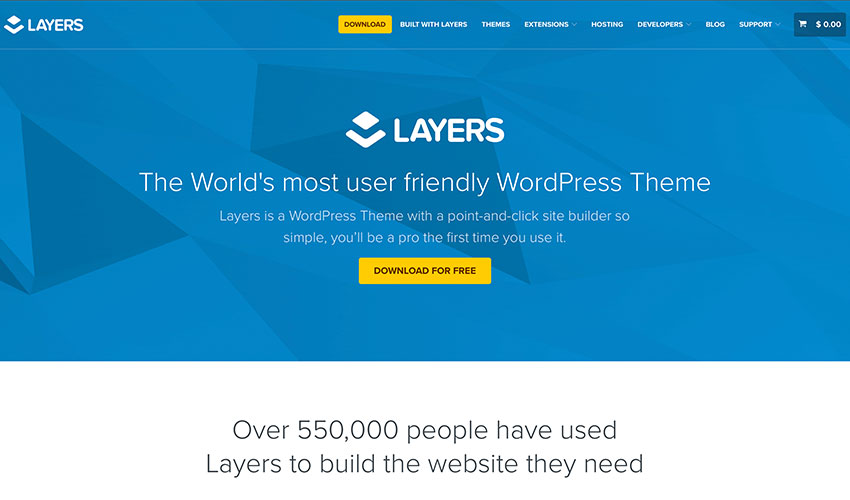
Image Source: Layers

Gone are the days when building a beautiful website could cost you an arm and a leg. Use these free website building tools to get your business online at no cost except your time.

Bootstrap Zero: Download hundreds of open-source and responsive templates and themes for bootstrap

Bootswatch: Another free resource for bootstrap theme although limited than Bootstrap Zero

HTML5 UP: Your source for free and responsive HTML5 themes, which are all fully customizable.

Landing Harbor: provides a free landing page for your mobile app – a great site to promote your business

Layers: WordPress theme that’s free forever. There is also a Pro version if you want to upgrade

Strikingly: Free responsive and mobile-optimized websites for the Strikingly domain

Templated: Free 800+ fully responsive CSS and HTML5 website templates

WordPress.org/Wordpress. Com: Free website builder and hundreds of free WP themes

Logo Generator

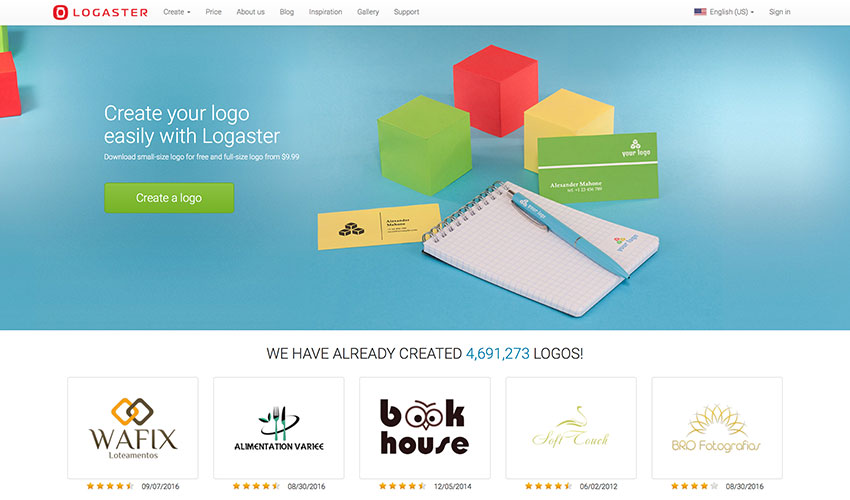
Image Source: ZenBusiness

Want to add a little oomph to your brand? Here are 5 free logo generators that you can use to create a slick and modern logo in just a few minutes.

Hipster Logo Generator: want a fresh and hip logo for your business – the name says it all

ZenBusiness: create a more professional looking logo in just a few minutes

Signature Maker: create your digital signature for free. It’s based on HTML5 so it works on most modern browsers

Squarespace Free Logo: free two-step logo generator from Squarespace with downloadable low and high resolution versions

Withoomph: free logo generator which shows you different versions of the logo

Business Name Generator

Image Source: Hipster Business Name

If you want your business idea to catch on and grow like a weed, do put a little effort into picking out a memorable business name. Sometimes the best ideas hide in plain sight, so give your imagination a tickle with these name generator tools.    

Domain: quick and free domain generator

Hipster Business Name: cousin of the Hipster Logo Generator – both of them are hip and very millennial

Impossibility: it calls itself as the “best domain name generator ever.” Try it to find out

Do you have a CRM that keeps you organised?

The most user-friendly CRM on the market. 14-day free trial.

Start Free Trial

Painless setup, no credit card required

Lean Domain Search: domain name generator with some advice how to get the ideal domain name for you

Naminum: just type a keyword where your want to base your company name and it will give you numerous domain name suggestions

Short Domain Search: search for short domain names in seconds. The site has added new tools for more refined searches.

The Name App: helps you find a name for any ideas you have

Wordoid: let’s you create new and catchy words for your business or for your next product. Available in English, French, Spanish, and Italian

Invoice/Legal Docs

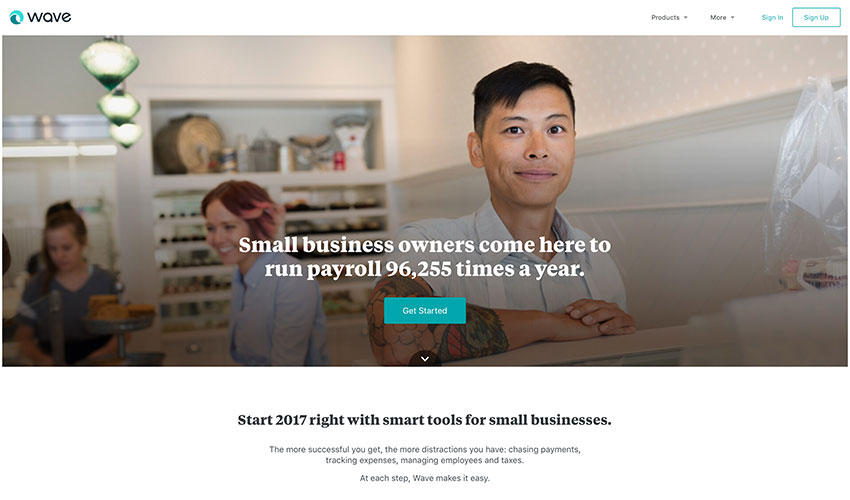
Image Source: Wave

Fancy cutting costs without losing performance? Then charge and don’t be charged with these free invoicing and legal docs resources for small business owners and entrepreneurs.

Docracy: open collection of legal contracts and documents

Termly: Legally backed policy generators and consent management tools for websites, apps, and businesses of all sizes. 

Free Invoice Generator: the name says it all

Invoice to me: create a more itemized or detailed invoice using this invoice generator for free

Invoice.to: clean and easy to use; however, it’s still experimental according to its creator

Kiss: legal documents for startup investors and owners all for free

Shake: create a legal agreement and sign it in a matter of minutes for free. It’s optimized for mobile so it’s easy to use.

Wave: ideal for small business owners who are looking for fast and easy accounting and invoicing, and it’s for free.

Idea Management

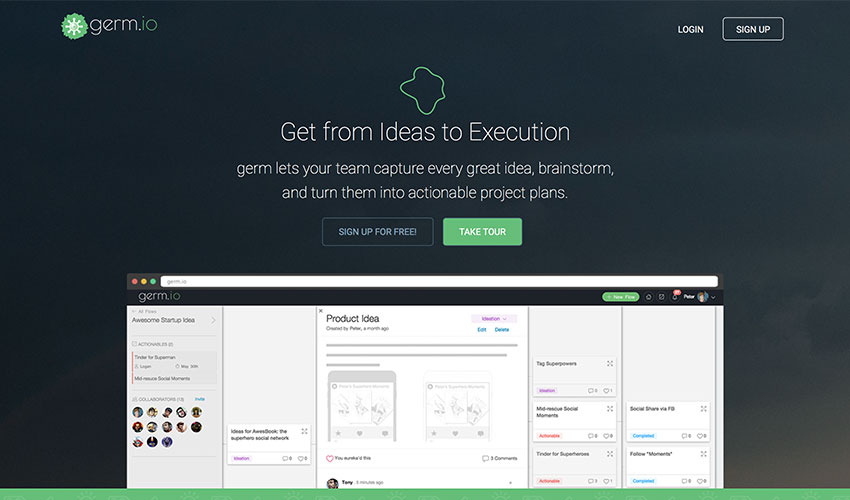
Image Source: Germ.io

Don’t let your ideas go to waste. Snap them up at their infancy, test, experiment and watch them blossom into something beautiful using these free idea management tools.

Germ.io: turns your ideas into reality by tracking them and allowing you to collaborate with your team until you successfully execute them

Experiment Board: allows you to test your startup idea for free in the community even before you publicly launch it

Skitch: let your idea stand out with this free tool from Evernote.

Content Curation/Trending Ideas

Image Source: Buzzsumo

Struggling to keep up with the speed and volume of online content? Take advantage of these free content curation tools to stay abreast with the industry’s trending stories and never miss anything important.

Ruzzit: place of the most shared content on the Internet along with their popularity score and on what social media platform

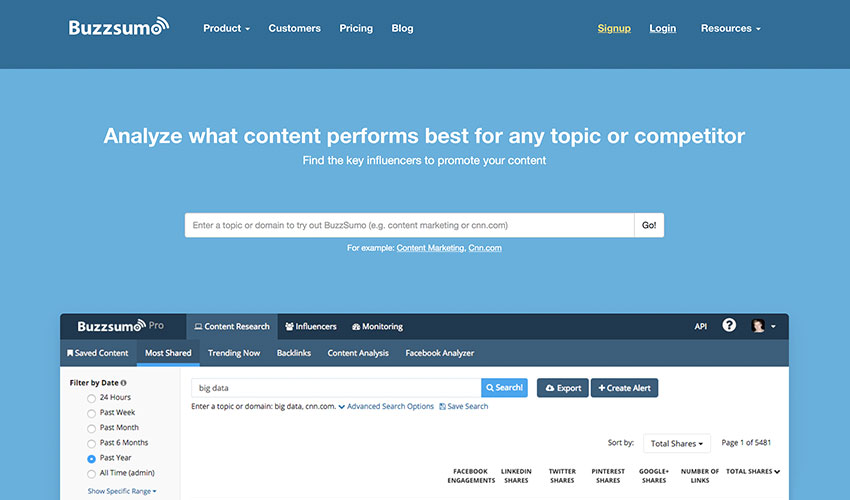
Buzzsumo: gives you the trending content and shows you how well it competes against another content

Feedly: compiles all news feeds according to category or source. It can be customized and shared

Flipboard: works similarly like Feedly. You can create your own compilation or magazine which other users can follow and share.

Google Trends: displays trending searches in real time

Hubspot Blog Topic Generator: looking for the next idea for your blog topic? This tool is for you for free

Portent: it’s like a mentor on how to make a viral post

Reddit: a forum/community where you can get real trending news from the common people every day.

Swayy: gives you the latest and most interesting news on the web. However, the subscription is only free to one dashboard user.

Others: Google What’s Hot | Twitter Trending | Quora  

Tip: once you’re ready to scale the marketing efforts for your company, check out these online business tools that content marketing consultant, Ryan Robinson recommends for growing your traffic.                                                             

Image Editors

Image Source: Canva

Push your social presence to the next level with free image editing tools that will enable you to instantly create stunning visuals and professional-looking graphics to make your stories resonate

PicMonkey: edit your pictures, make beautiful collages, or create professional-looking graphics, PicMonkey has it for free

Pixlr: easy to use online photo editor

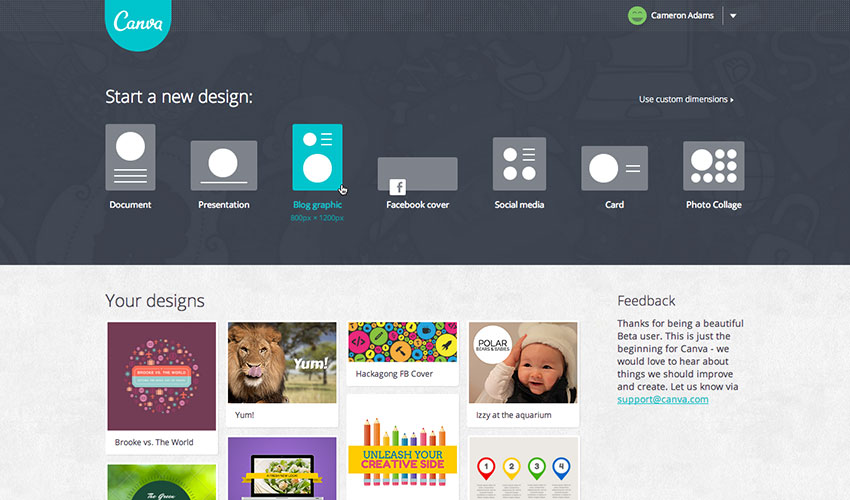
Canva: beautiful image, video, menu designs and more – for your blog, Facebook page, or website

[optin-monster-shortcode id=”cvfuxuhchvywm9wl2q6w”]

Ease.ly: allows you to create stunning visuals, such as infographics, resumes, or marketing presentations. You can share your works for free as well.

Meme Generator: create a meme instantly in just three easy steps. You don’t even need to upload a picture. Also available in 4 languages.

Pablo: increase or make your social presence stand out with these beautiful, free images from Pablo

Place It: more than 2,500 mock-ups and videos across all devices for free

Recite: make any quote memorable and visually enticing with Recite. Just type your favorite quote and choose from the ready-to-use templates. After that, you can share it to any social network or email straight to anyone.

Social Image Resizer Tool: resizes and change the file format of any image for web use

Image Optimizers

Image Source: InstaMockup

Optimizing images no longer means losing on quality. You can enhance image clarity before compression using an HD photo converter, which helps upscale low-resolution visuals without compromising performance. Resize and compress your images to make them load faster and take less disk space with free image optimization tools.

Compressor.io: reduce or optimize any image you have without changing the high quality of the image.

Dunnnk: Dunnnk is never short of beautiful mockups for Android and iOS devices, all of which have high quality

Image Optim: compresses your images without losing the high quality so that your images can load faster.

Image Optimizer: free online image optimizer, compressor, and resizer. It has now a downloadable version allowing  you to work offline, and it’s all for free.

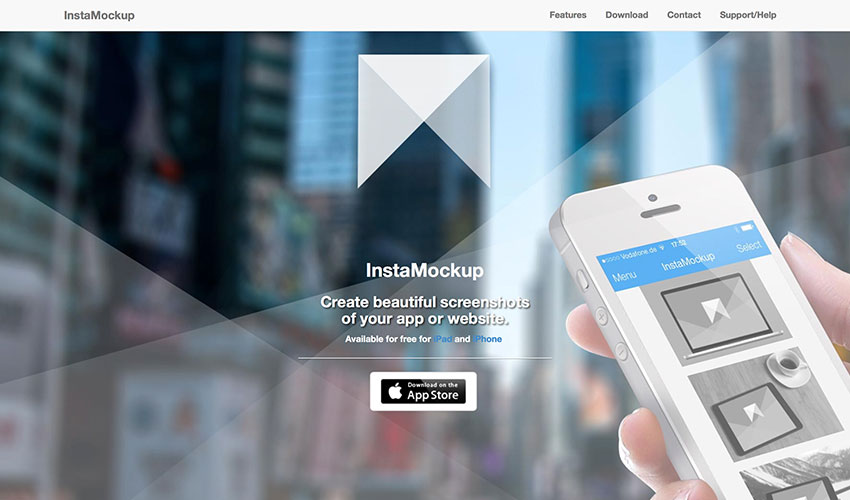
InstaMockup: a free iOS tool which allows you to create beautiful mockups and allow you to showcase your product in real environments. Available for both iPad and iPhone.

TinyJPG: allows you to compress and optimize your JPEG and PNG images

Smush.it: WordPress image compression and optimization tool

Blogging and Writing Tools

Image Source: Grammarly

Have your inspiration fairies abandoned you lately? Feeling stuck in a rut with your writing routine? Take note of these free blogging and writing tools that will bring the joy back to you.

A5.gg: a small note-taking tool which allows you to take notes using your browser. The best thing about it – it automatically saves your notes so that it is still there when you return.

CoSchedule: analyzes your headlines and suggests how you can write them better in order to drive more traffic to your website

Editorial Calendar: a WordPress blog management tool which allows you to see your blog posts in one place

Egg Timer: a simple online timer which you can repeatedly use for free

Blank Page: makes writing easy, simple, and hassle-free

Free Summarizer: summarize your long sentences that still makes sense

Undetectable AI: a tool that rewrites AI-generated content to make it sound more natural and human-like, helping you avoid detection while keeping your writing clear and authentic.

Liberio: create and publish an eBook straight from Google Docs

Known: a social learning community which allows you to write and collaborate with others. You can also publish it and let the community give you feedback and advice. Perfect for authors who are just starting out.

ZenPen: gets you to write without any distractions is ZenPen’s ultimate goal. That is evident in its no-frill UI

Story Wars: allows you to collaborate and share stories with other writers from across the globe

WP Hide Post: WordPress plugin that lets you control what appears on your blog. You can even control which part of a particular blog can be seen by the readers.

Social Locker: another free WordPress plugin which asks your visitor “to pay” for the content you made through a share, a like, or a Tweet.

Medium: a free blogging platform

Hemingway: a writing app that automatically corrects the syntax of your sentences highlighting them with different colors so you know what specifically is wrong with it.

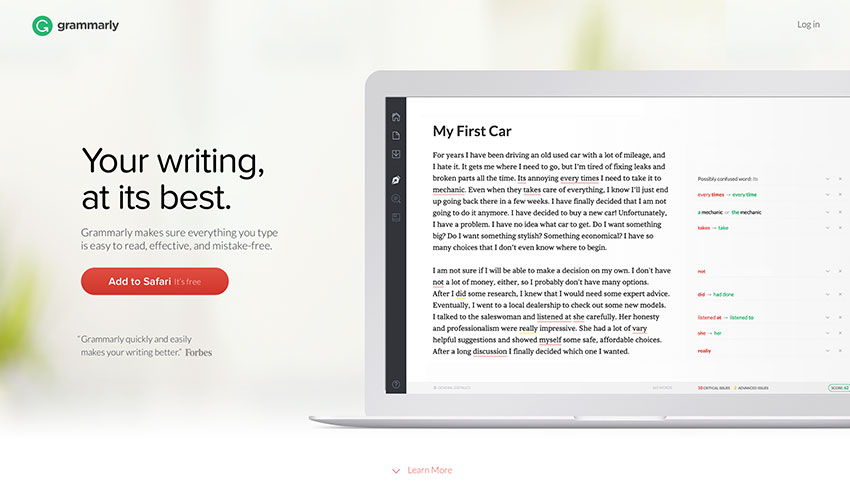
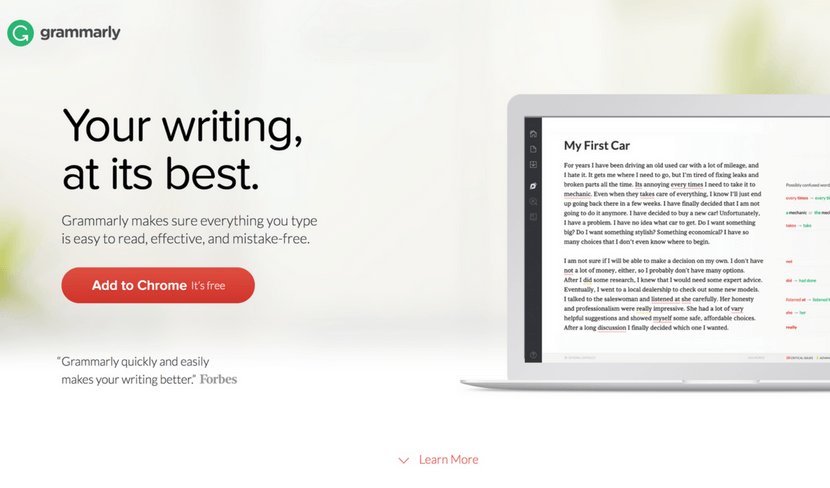
Grammarly: an online editor that corrects your grammar and sentence cohesiveness. It now has a downloadable version.

SEO and Website Analyzers

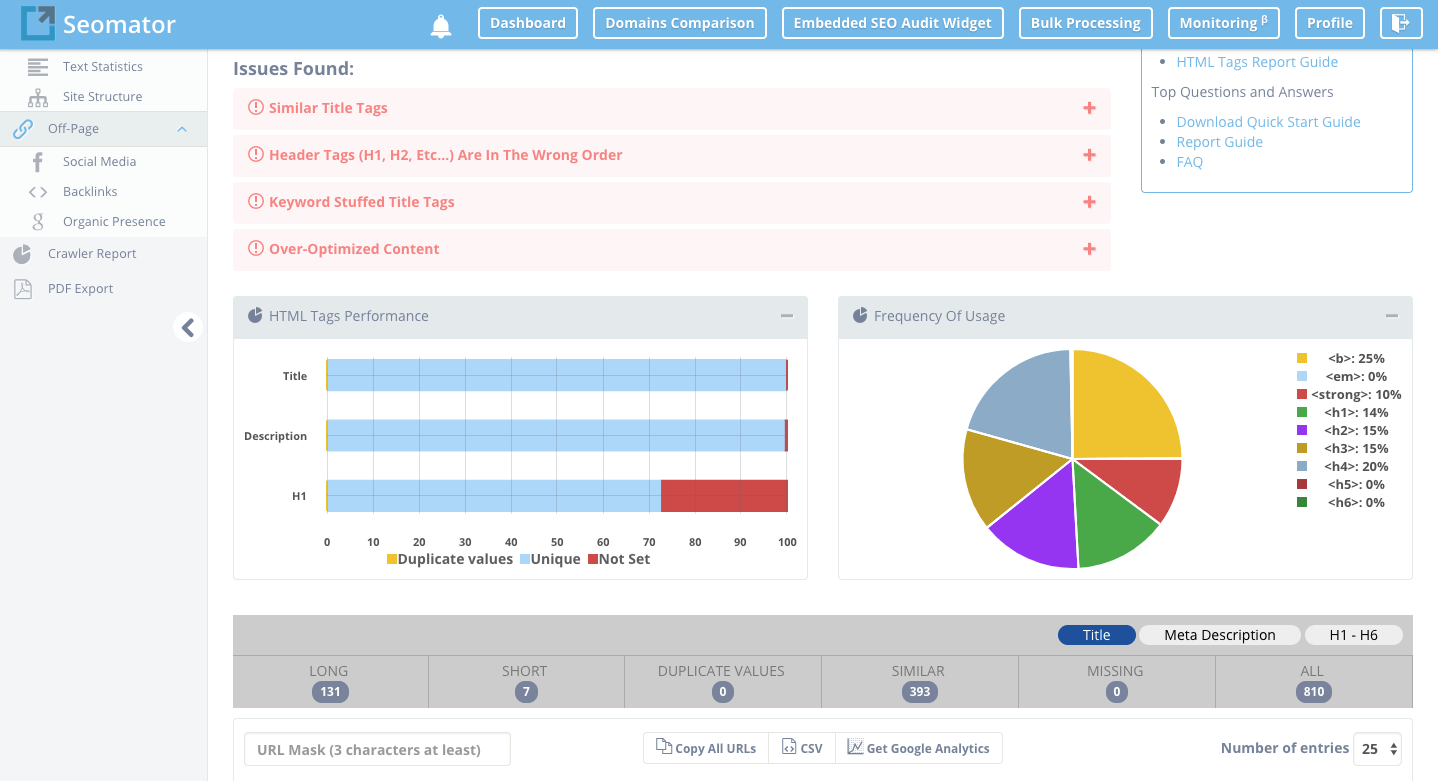
Startup Tools SEOMator

Image Source: Seomator

Don’t let a poor SEO performance drag your site’s performance down the drain. Try these free SEO and website optimization tools to collect feedback, analyze and improve your SEO strategy.  

Ahrefs: checks your backlinks and analyzes your website

Alexa Ranking: analyzes the ranking of any site by providing you analytical insights

Browseo: it gives you feedback how search engines view your site

Broken Links: you don’t have to worry about 404s anymore with this tool as it finds any broken links and redirects them to the correct page

Copyscape: analyzes content if it’s plagiarized or not

Google Pagespeed Insights: another of Google’s useful tools which checks how your site performs

Google: Analytics | Keyword Planner | Webmaster Tools | Trends                                                   

GTMetrics: this is the tool if you want to know how fast your website performance is

Hubspot Marketing Grader: get feedback for your marketing efforts

Keywordtool.io: search for the right keywords for your content

Moz Local: find your local listing on any search engine

Nibbler: tests any website’s performance, popularity, and more

OpenLink Profiler: analyzes and checks backlinks from any website to ensure that you get the freshest and the best ones

Open Site Explorer: also a link analyzer tool

Pingdom: tests how long your website loads

Quick Sprout: provides a comprehensive analysis of your website

SimilarWeb: analyzes and provides insights for any website or app

Seomator: Seomator is the Online SEO Audit Tool and Website Crawler for Website’s SEO Health. In other words, Seomator provides In-depth Technical SEO Analysis and SEO On-Page Testing Tool for Websites Optimization. Same time, Seomator is the Sales Automation Tool that could be implemented directly on a company’s website to automate and increase sales. White-label Reports deliver directly to customers and save hours of work and life.

SEO Site Checkup: checks how well your website’s SEO performs and gives you feedback so you’ll know which ones need fixing

SERPs Rank Checker: checks how well your SERP ranking and SEO performs

Shopify e-Commerce Report: free business tools to grow your Shopify business

W3C Validator: validates the markup validity of any Web documents on any file format

Woorank: screens and analyzes the SEO ranking of your website

XML Sitemaps: allows you to create XML, HTM, and Text sitemaps which can be submitted to any major search engines

Send, Collect and Verify Emails

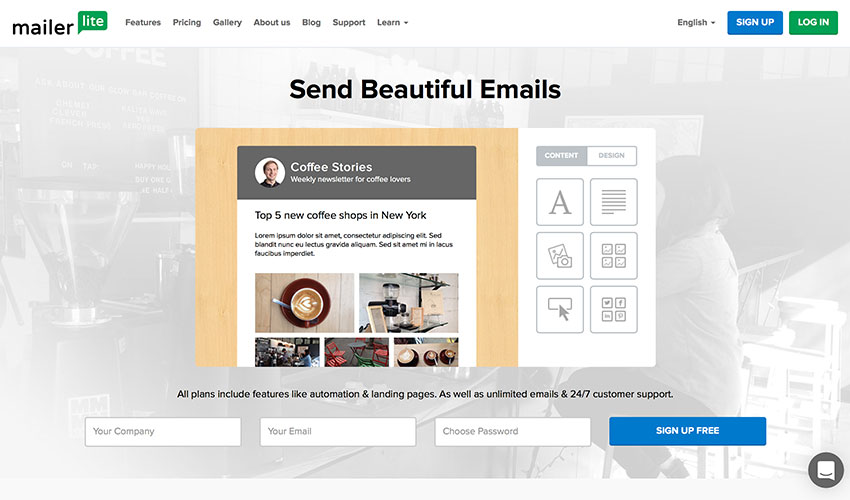
Image Source: Mailerlite

Email made easy, at no additional cost. These free email tools will give you back your time and peace of mind: create, send, track and analyze your campaigns for free.  

Beefree: makes writing emails much easier

Canned Emails: ready-made email messages you can use

Contact Form 7: a free WordPress plugin which allows you to collect your emails

Hello Bar: a tool which enables you to attract more email subscribers

Mailchimp: allows you to send your emails to multiple recipients with just one click. It also has a premium version which enables you to send your emails to more recipients.

Mailerlite: track your emails and find out who has already read them

Mailgun: allows you to send free 10K emails every month

[optin-monster-shortcode id=”u0wiahzfsrgu4dsbbxsb”]

Mandrill: send to 12K emails every month for free

ManyContactsBar: free contact form for your website

Scroll Triggered Box: free WordPress plugin that boosts your conversion rates

Sendgrid: allows you to deliver your emails to 12K people every month for free

Sendinblue: email management tool which allows you to send free 9K emails every month

Sumome List Builder: convert your visitors into customers and subscribers

ZeroBounce: is a free email verification tool allowing users to verify email addresses in real-time.

Social Media and Community Management

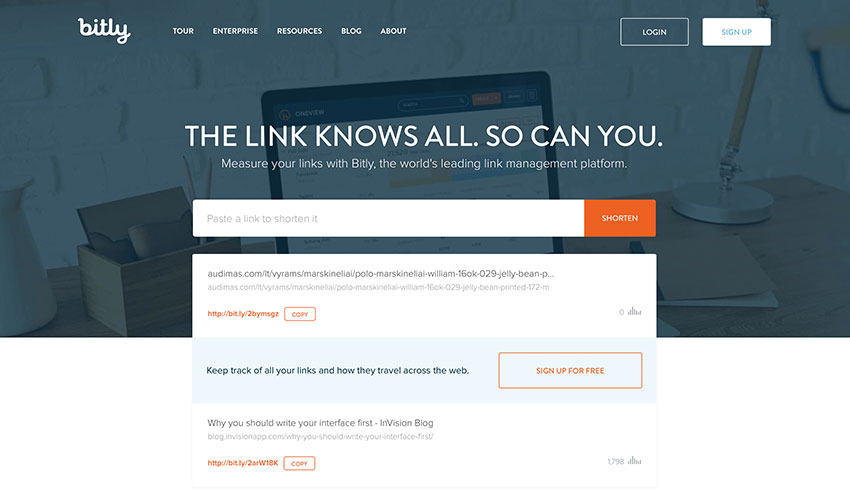
Image Source: Bitly

Your time can be better spent connecting with customers and building your brand than counting likes and shares. Automate your social media with these free online tools to amplify your promotional efforts and increase the engagement.

Addthis: enables you to get more likes, shares, follows, and conversions

App Review Monitor: get insights from the latest app reviews straight to your inbox or Slack account

Bitly: shortens your links so you can share and send them much more easily

Buffer Free Plan: allows you to schedule your posts to any social media network

Digg Digg: a free WordPress plugin that shares your content on all platforms with just one click

Disqus: build your audience by increasing your engagement and allowing discussions

Click To Tweet: tool that lets you get more shares for your blog posts and content

Filament: a customizable share bar

Free Survey Creator: lets you create a survey and acquire feedback for free

How Many Shares: monitor how many shares your content has in various social media networks

Crowdfire: a simple way of growing your audience

Klout: social media analytics tool which rates your social media influence

Latergram:  a perfect tool for your Instagram account which helps you schedule your Instagram posts

MyTweetLinks: increases your Twitter audience

Presskit Generator: creates a press kit for your app for free

Ritetag: Chrome and Firefox browser extension that analyzes your hashtag

SharedCount: lets you track how many shares, likes, and tweets your content has

SocialRank: Twitter management tool

Social Analytics: a free Chrome extension which allows you to get the social data of any URL from supported social networks

Sumome Share: automatically optimizes your share button to increase your website traffic

WordPress Pin It Button for Images: WordPress plugin which allows you to place a “Pin It” button to your images

WriteRack: the perfect tool to create a tweetstorm

A/B Testing and Growth Hacking

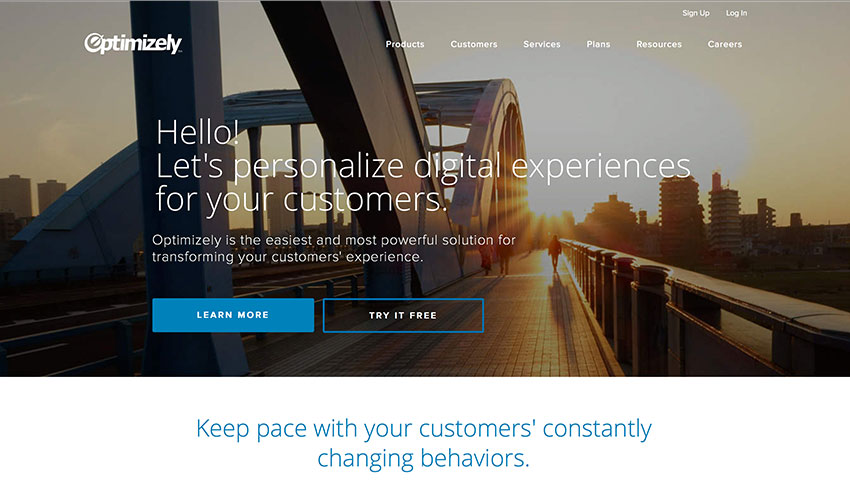
Image Source: Optimizely

Take the guesswork out of website optimization by basing your decisions on real data rather than your own hunch. A few proven growth hacks can take your business a long way.

GrowthHackers: lets you create a fast and sustainable financial and customer growth

Hello Bar: lets you test your call-to-actions and keywords

Petit Hacks: helps you grow your conversion rate by teaching you retention, revenue, and acquisition hacks

Optimizely: helps you optimize your app or website

Customer Service and Survey

Image Source: Typeform

Keep the customers happy and their feedback rolling in by using these free online tools.

Batch: helps you engage with your mobile customers better

Free Survey Creator: helps you create surveys and get feedback

Helprace: a customer service platform which allows you to create a personalized help desk and feedback portal. The tool is free for up to 3 customer service reps

Survey Any Place: allows you to create entertaining surveys and create awesome respondent experience

Tally: lets you create free polls

Typeform: a form and online survey builder

Guides and Courses

Image Source: Skillshare

It’s never too late or too early to deepen your well of knowledge. Immerse yourself in a new learning experience for free.  

Build an Online Course: teaches you how to create a free online course

Coursera: free online classes from Ivy League universities and other top educational institutions

Codecademy: learn how to code in a fun way

Closed Club: learn from the mistakes of failed startup ventures

Email Course for Sponsorship: a free course that teaches you how to get sponsorships

FirstSiteGuide: teaches you how to make a successful blog or website

Hackdesign: gives you a free lesson on design every week straight into your mailbox

Khan Academy: free online courses on STEM and more

KeepYourFriendsClose: a free e-Book that helps you retain your customers for the long term

Launch This Year: helps you how to launch your online business

MailCharts: a free course that teaches you how to create effective marketing campaigns

Mixergy: learn the secrets of the most successful entrepreneurs

Primer: a free marketing lesson from Google

reSRC.io: programming tutorials and resources

Rocketship.fm: another program where you can learn from top entrepreneurs

Skillshare: free online courses and projects

Startup Notes: short but meaningful lessons from successful startups notebook-style

Startup Talks: watch and listen trade secrets from successful startup entrepreneurs

The Lean LaunchPad: dreaming of creating a startup venture? This is the site where you can learn how

TalentBuddy: another site that offers free coding lessons

Discover Tools, Startups, and Collaborators

Image Source: Product Hunt

Connect with fellow entrepreneurs, get inspired by the real-world stories, and stay in the know. Have your own piece of wisdom to share? Join a dedicated community!

Angellist: invest, create, or work at a startup

Assembly: collaborate and brainstorm with other people anywhere in the world

Beta List: discover and connect with up and coming startups

CoFounders Lab: meet and collaborate entrepreneurs near you

Erli Bird: where you can find and recruit beta testers as well as collect feedback from Android and iOS users

Founder2be: looking for a partner for your startup? This is the best place to start

Product Hunt: find new products in the market every day

StartupLi.st: the ‘Facebook’ for startups

Startups List: a massive list of startups anywhere in the world

Newsletters

Image Source: Mattermark Daily

Enjoy a constant trickle of knowledge and advice in your inbox at no cost! Learn from industry experts one free newsletter at a time.

Design for Hackers: free newsletter for 12 weeks that includes lessons on design

Email 1K: a free 30-day course that teaches you how to grow your email list

ChargeWhatYou’reWorth: a newsletter that teaches you how much to price yourself and your services

Mattermark Daily: newsletter about founders and entrepreneurs

Product Psychology: newsletter that gives you valuable insights on user behavior

Startup Digest: a personalized newsletter that gives you information about startups around your area

UX Newsletter: newsletter about research, design, and creation

UX Design Weekly: gives you a UX design link every week

Other Useful Tools

Image Source: Ad Spend Calculator

Tame the numbers and cost calculations with the help of these free online tools.

Ad Spend Calculator: gives helpful advertising and marketing advice for startups

App vs. Website: gives you the pros and cons of building a website or an app

Foundrs: equity calculator for you and your business partner/co-founder

HowMuchToMakeAnApp: gives you an estimation how much it will cost you to create an app

Pitcherific: teaches you the art of making pitches that sells

RingCentral Meetings: provides the power to conduct HD video conferences and screen sharing as part of a complete business communications solution. Employees can hold face-to-face meetings in high definition and share screens or documents with anyone, anytime, anywhere. As part of a complete unified communications as a service (UCaaS) cloud offering, it empowers employees to connect with clients and enable collaboration between teams across locations—as if they’re all in the same conference room.

Startup Equity Calculator: gives you an idea how much salary you should give for new hires

StoryXpress: helps to create and hosts videos that generate leads

Design

Image Source: Dribbble

These free premium resources and tools will open you the door to the world of design. These free premium startup resources and tools will open you the door to the world of design.

Dbf: best design freebies for Dribble and Behance

Dribbble: a treasure trove of inspiration and design freebies

Freebbblefree high-quality designs from Dribbble

Fribbblefree PSD files and other design resources created  by Dribbble users

Freebiesbuganother website where you can find free PSD files and other resources from designers

Free Section of Pixedenfree high-quality web and graphic design templates. There’s also a premium version for $6 a month

Free Section of Creative Market: gives out free random items every Monday

Graphic Burger: mouthwatering designs for free from the professional design community

Marvelonline collaboration tool where you can create prototypes and share your design

Pixel Buddhafree premium resources from professionals for professionals

Premium Pixels: collection of free design resources and WordPress themes

Placeit Freebie: more than 2500 high-quality mockups and videos for iOS devices for free

Renderforest – free tools for everyone to create professional intros, animations, slideshows and music visualizations in minutes

365 Psdfree downloadable PSD every day

UI Spacethousands of high-quality handcrafted freebies

Freepikfree vectors, PSDs, images, and icons

Tech&Allfree design resources, news, and PSDs

Linearity: is a graphic design software for the whole Apple ecosystem

SketchAppResources: free resources for the Sketch app

Web3Canvas: free design resources, tutorials, and more

Sources of Inspiration

Image Source: Awwwards

Don’t let a bad day turn into a bad life. Tickle your inspiration with these free tools and resources and restore your creative vibes.

Awwwards: website awards for best web design trends

Behance: website where you can showcase your design portfolio and search for others for inspiration

Crayonfree marketing resources

MaterialUpfree material design resources uploaded every day

FLTDSGNyour one-stop source for inspiration of websites and apps using flat UI design

Flat UI Design: flat UI design resource for websites and apps on Pinterest

Land-Book: find inspiration for your landing pages in this online gallery

Moodboard: lets you create and share your moodboard

Niice: search engine to find design ideas

[optin-monster-shortcode id=”hgbnyw9k7kko6mtq6fgy”]

Site Inspire: free web design inspiration

UI Cloud: thousands of UI elements and kits in different categories

Oceanget feedback for your designs from fellow designers around the world

One Page Love: find inspiration for your one-page website

Pttrnsa massive resource for mobile UI interface in a wide range of categories

The Starter Kit: resource for designers and developers

The Best Designs: the best design inspiration for you

UI Paradefree UI tools and design inspirations

Color Pickers

Image Source: Adobe Color CC

Make your design experiences a breeze by using these free color pickers to extract dominant colors from images, create vivid color combinations and palettes for free.

0 to 255: a  no-nonsense color picker that helps you find the perfect color variations and combinations

Adaptive Backgrounds: a jQuery plugin that allows you to extract dominant colors from images

Adobe Color CC:  a collection of color combinations

Bootflatcolor combination collection for flat design

Brand Colors: discover the color combinations used by the most popular brands, such as Adobe, Amazon, and American Express

Coleure: absolute color management created with Sketch

Colllor: free color palette generator

Colorful Gradientscomputer-generated gradients for free

Coolors: create and share color palettes in a matter of seconds. You can also save your work for future reference

Flat UI Colors: beautiful flat UI color palettes. The site is launching more colors soon as well as more tools for designers and developers

Get UI Colors: free cool color combinations for flat design

Hex Colorrrs: free HEX / RGB converter

Material Palette: allows you to create and export your material design color palette. The website also has free  icons and colors for material design.

New Flat UI Color Picker: a wide range of flat colors for UI design

Material UI Colors: a collection of material design colors for the web, Android, and iOS

Palettonchoose the right color for your website using this free color scheme designer

Palette for Chrome: a Chrome extension that enables you to create a color palette using any image. Just right-click the image and choose “Palette Creation”.

PLTTS: lets you easily find a matching color palette

Skala Color: a free macOS color picker that is compatible with any format. It automatically recognizes colors and can be applied with just one click.

Stock Photography

Image Source: Pexels

Inject some life and energy into your site by adding professional, natural-looking photos from professional photographers from all over the wall.

All The Free Stock: free stock images, icons, videos, mockups, templates, and more

Spark Adobe:helps you create a perfect marketing plan

Bucketlistlymore than 5,000 free creative common travel photos from around the world

Cupcake: free photos from Swedish photographer Jonas Wimmerstrȍm

Designers Pics: another free stock photo resource

Death to the Stock Photo: free stock photo sent straight into your email every month

Free Nature Stockroyalty-free nature stock photos by Adrian Pelletier

Foodie’s Feed: free high resolution food photos for your food blog

Function: photo packs for free

Gratisographyanother rich resource for high resolution photos for free

Getrefe: free high-quality photos in different categories

IM Free: royalty-free images and other web design resources for commercial use

ISO Republic: free high resolution stock photos for creatives

Jay Mantri: free-to-use high resolution photos by Jay Mantri. He also has contests where you can win free items

Jéshoots: free downloadable modern photos

Kaboompics: your get-to place for great photos

Lock & Stock Photos: free high-quality photos

Burst by Shopifyfree photography for entrepreneurs

Little Visuals: delivers 7 free photos straight into your email every week

Life of Pix: free high-resolution photography from professional photographers from all over the world

Moveast: free images that chronicles the journey of a man going east

Mazwai: free creative commons high-definition video clips and footages

Magdeleine: get a free photo every day

MMT: free photos for commercial use. The collection is updated weekly

New Old Stock: curated vintage photos from public archives

Pexels: one of the best stock photos in the web updated daily, and it’s for free

Pixabay: free downloadable stock photos for commercial use

Picography: free images you can use for any purpose straight from Ireland

Picjumbo: free exclusive photos that have never been published straight into your inbox

Public Domain Archive: free vintage and modern high resolution photos every week

Paul Jarvis: 20 free downloadable high-res photos you can use

Raumrot: absolutely free photos you can edit and modify

Stock Up: tens of thousands of free stock photos across 31 websites

Startup Stock Photos: free photos, images, and vectors

Stokpic: free 10 new photos sent into your inbox every two weeks

StockSnap: high resolution photos free from copyright restrictions

Super Famous: free high resolution photos you can use for any purposes as long as you credit the owner

Snapographic: use these photos in any way you like for free

Splitshiremouthwatering photos for free

The Pattern Library: free amazing patterns for your web design projects

Travel Coffee Book: free travel photos you can use in any way

Unsplashfree high resolution photos in a wide range of categories

Some more websites: Free Digital Photos | Morguefile | Public Domain Pictures | Free Stockvault | ImageFree | Rgbstock | Dreamstime | FreeImages | FreeRangeImages | FreePhotosBank

Icons

Image Source: Font Awesome

Refresh your website by adding some beautiful, high quality icons. These 21 online tools will help you to unlock and explore the potential of graphics.

Fontello: generate new icons and fonts for free

Flat Iconmore than 16000 of glyph vestor icons for free

Material Design Icons: an open-source glyph collection by Google with around 750 glyphs

Glyphsearch: search all free icons around the web

MakeAppIcon: creates any type of app icon for free

Endless Icons: free icons for flat design

Ico Moon: icon generator that gives you  more than 4,000 vector icons

The Noun Project: a collection of glyph icons from different artists

Perfect Icons: a tool that lets you create resolution independent icons

Icon Finder: free icons you can use in any way

Free Round Icons: Doodle Set | Flat Set | Vector Line Set

Icon Sweets: 60 Photoshop icons for your web projects as well as your iPad and iPhone apps

Make Appiconcreate an icon for your app with just one click

App Icon Template: create royalty-free icon for Android, iOs, and OS X platforms

SmartIcons: more than 1,400 downloadable icons for free

Ego Icons: clean and simple vector icons

FlatIconslets you customize your icons for flat design

To(icon): more icons all your for free

Typography

Image Source: Typekit

An ugly, inappropriate font can suck the life out of an otherwise robust website. Take advantage of free typography collections and choose a font that helps you visualize your idea.

TypeGenius: provides a wide array of font combination for any kind of project

Font Squirrel: completely free fonts for commercial use

Google Fonts: open-source fonts by Google 100% free

Beautiful Web Type: another Google resource to help you find stunning typefaces

DaFont: fonts archive which can be downloaded for free

1001 Free Fonts:  a massive collection of free fonts

FontPark: another massive archive of free fonts for any use

Font-to-width: a tool that helps you fit typefaces in their containers without scaling them

Adobe Edge Fonts: an accessible collection of free web fonts

Typekit: a smaller collection but have some great fonts included

Coding and Design Tools

Image Source: Codacy

Drive your business growth with these 22 free coding and design tools at your disposal. Take your mind off complex tasks (like reviewing code) and watch your idea take form.

Hive: unlimited cloud service for free

GitHub: a development platform which lets you collaborate, create, and share software

BitBucket: code collaboration tool

Chisel: contains an unlimited fossil repositories for free with an ISC license

Visual Studio: find most of the tools for developers and designers here

Landscape: gives you an early warning before everything turns unexpectedly.

Swiftypefinds the right results to your searches by browsing all cloud storages. The free version, however, has a limitation

Keen.io: collects event data from anywhere, add rich custom attributes, and send it everywhere

Coveralls: analyzes your code and tells you which part is not covered with your test suite. 

Codacychecks code style and tracks code accuracy throughout your sprints

Searchcode: helps you find billions of lines of codes

TinyCertSSL certificates for free

Opbeat: tool for JS developers which analyzes and optimizes your app’s performance

Pingdom: monitors websites’ uptime

Rollbar: monitors any app for full-stack error. Supports all languages

Loggly: tool that helps you improve log management

Devport: turns your apps, GitHub repos, and websites into a portfolio

Getting Real: a free eBook that teaches you how to create better web apps

Peek: gives you a f-minute video of someone who uses your app or site

Creator: helps you create better and faster apps

DevFreeCasts: collection of screencasts featuring different developes

Cody: library of code nuggets for free

Other Design Tools

Image Source: UI Names

Small things can make a big difference. Save time and improve your design experiences with these smart online tools.

UI Names: gives you ideas of names for your mockups and designs

UI Faces: collection of avatar faces for your UI

Copy Paste Character: design resource you can copy paste

Window Resizer: tool that allows you to see your design in different resolutions

Sonics: user interface sound effects for free

Focus and Attention

Image Source: Noisli

Need a little bit more than moral support to hit your productivity levels? Take your pick from a bunch of free online tools that can dramatically improve your focus and attention.

Noisli: background sound generator that helps increase  your focus and productivity

Noizio: sound equalizer that helps you relax and focus

Defonichelps you create immersive soundscapes

Designers.mx: listen to the music other designers are listening to while they work

Coffitivitygives you coffee shop ambiance while working

Octave: free UI sounds for the iOS platform

Free Sound: massive database of sounds and other audio snippets

Sonics: free sound and sound effects straight to your inbox every week

Deep Focus: relaxing music to help you focus from Spotify

Self Control: (for Mac users)helps you block websites that can easily distract you while working

Cold Turkey: (Windows) blocks distracting websites while you’re working

Team Collaboration

Image Source: Slack

Take the hassle out of team collaboration and benefit from a smooth idea sharing and project management experience. These free tools will introduce you to the world of smart people management.

Trello: helps you collaborate much easier

Evernote: your digital workspace

Dropbox: free cloud storage for up to 2GB

Time Doctor: a time tracking software that claims to increase your productivity by 22% with features like powerful customizable reports that include web and app usage, optional screenshot monitoring and more. In inbound marketing where tasks are abundant, you have to make sure every minute counts. Time Doctor helps you exactly with that.

Yanado: task and project management tool inside Gmail

Wetransfer: allows you to transfer up to 2GB for free

Drp.iofast image hosting and file transfer for free

Pocket: digital to-do later tool

Raindropbookmarking tool for Mac users

Flowdock: collaboration tool for a small team

Typetalk: easy to use instant messaging for team collaboration

Slack: team collaboration tool where you can share your ideas easily

HipChat: team chat for unlimited users

Google Hangouts: team chat and group video calls

Voveet: lets you have 3D conference calls with your team or clients

FreeBusy: helps coordinate the schedule of all team members

RealTimeBoard: online digital whiteboard

Witkit: secure and encrypted data storage with free 50GB of space

Any.do: team collaboration tool

Asana: team management and collaboration tool

Hubstaff Tasks: Easy Agile Project management software

GoToMeeting: free online meetings and web conferencing made easy

ProofHub: a tool design for remote teams tow work effectively

Freelancing and Remote Networking Tools

Image Source: Nomadlist

Bring your team together, upgrade your freelancing routine and tap into a community of nomads and entrepreneurs without spending a single dollar.

Founded X Startup Stats: gives you insight where to build your startup

Teleport: Startup Cities: planning to bring your startup to another city? Teleport helps analyze your budget and logistics for the move

Workfrom: find the best places to work remotely around the city where you are

Lastroomteam travel management tool made easy

Nomadlist: find the best cities in the world to live and work remotely

Internet is a bottomless treasure cove of fantastic free stuff — you just need time and patience to uncover the best pieces. Don’t stop at these 400 free online tools and resources, keep your eyes and ears open for new product launches and continue hustling like a real champ.

In this article, you’ll get a comprehensive guide to 100 powerful inbound marketing tools that can skyrocket your business growth. We’ll explore a variety of tools to automate, optimize, and enhance every facet of your inbound marketing strategy, ultimately leading to more leads and prospects.

Key Takeaways:

  • Learn how to streamline your marketing efforts using a multitude of automation tools.
  • Discover the importance of analytics and the top tools to get the most detailed insights into your marketing performance.
  • Uncover the potential of blogging and SEO tools in increasing your online visibility.
  • Understand how design and visual resources can play a pivotal role in your inbound marketing strategy.
  • Get introduced to the best tools for managing leads, social media, and streaming.

Nothing makes a marketer happier than seeing their efforts and hard work pay off. And there’s little we wouldn’t be prepared to do to see those leads trickling in.

We’ll write eBooks, spend weeks chasing influencers for three-line quotes and comb through pages and pages of data to string together sleek-looking infographics to get the prospects to notice us. Because every lead counts.

So let’s face it, if there was a way for us to amplify our inbound marketing efforts and raise the lead gen game, we’d snatch that opportunity with no questions asked.

And as the luck has it, we’ve gathered one hundred powerful tools that will help you automate, optimize and enhance your inbound marketing strategy and win more business.

Make yourself happy, dig in.

Research tools

  1. Buzzsumo

Buzzsumo is a powerful tool for content marketing and is particularly helpful with finding trending content by any topic. It saves a lot of time that you would usually spend on browsing and googling popular topics. Buzzsumo will also show you many convenient statistics, like how many people are talking about a specific subject.

  1. Keyword Planner

Keyword Planner is a completely free tool created by Google that researches the best keywords for your ads, video ads, etc. With this tool, you can build a completely new campaign or improve an existing one. It is an effective tool for both experienced and completely new advertisers.

  1. Looking for a new Entry

This used to be Klout.

Do you have a CRM that keeps you organised?

The most user-friendly CRM on the market. 14-day free trial.

Start Free Trial

Painless setup, no credit card required

  1. Mention

Mention makes sure you keep track of all the real-time social media mentions and always stay in the know of what people are saying about you online. It also lets you follow and analyze your competitors and similar businesses. Mention also has some awesome features like Custom Insights and Find Influencers.

  1. TrustRadius Trustmap

The TrustRadius marketing TrustMap is a two-dimensional chart that compares marketing products based on end-user satisfaction ratings and research frequency by prospective buyers. You can use the tool to compare different marketing tools and read authentic reviews from real users.

  1. SurveyMonkey

SurveyMonkey is one of the best online survey tools used by millions. With this tool, you will gather useful information and insight about your target audience and clients by creating original surveys. Choose from more than 15 different question types, branding options and much more.

  1. AYTM

AYTM is another survey tool that provides professional market research. The main key components and features include the survey platform that lets you host, program and analyze your surveys, a proprietary panel with an access to 25 MM all over the world and the research services.

  1. Quora

Quora is a well known question-answer type of website that makes any research much easier. Here, questions and topics can be organized into boards that can be followed – this will help you keep up with your competitors and news in your market. With Quora, you can also follow relevant questions and discover many other ways to do research.

Analytics tools

  1. Google Analytics

Google Analytics is a very popular and effective analytics tool provided to you by Google. When integrated with Google AdWords, it becomes an even more powerful tool that lets you analyze and track your website and conversions. The main analytics data is displayed on the main page of Google Analytics, but you can also find and use such features as Advanced Segments, Location Demographics and much more.

  1. Hotjar

Inbound Marketing Tools Hotjar

Hotjar is an amazing tool for analyzing the online behavior of your users by studying heatmaps, visitor recordings, feedback polls and conversion funnels. This tool combines two most important things – feedback and analysis to make the analytics as accurate as possible.

  1. SumoMe

SumoMe is an extremely user-friendly WordPress plugin that can serve as an efficient analytics tool. The main goal of this tool is to help you grow your website traffic and email list. It offers many free tools for you to choose from, so by using them, you can analyze your content, users, visitors and much more.

  1. Adobe Analytics

Adobe Analytics is a part of Adobe Marketing Cloud (AMC) that offers many online marketing tools. With Adobe Analytics, you can assemble, coordinate, organize and analyze your customer’s activity. Real-time analytics, segmentation, and predictive marketing through all Adobe channels.

  1. Ubersuggest

Want more traffic? Ubersuggest shows you how to win the game of SEO. Just type in a domain or a keyword to get started.

  1. Crazy Egg

Crazy Egg is another brilliant online application to analyze user activity on your website. This tool suggests useful features like heat maps, scroll maps, overlay reports, and confetti, which lets you determine all the clicks that have been made on your website and analyze them by search term and referral sources.

  1. Matomo

By choosing the ethical alternative, Matomo, you won’t make privacy sacrifices or compromise your site. You can even use Matomo without needing to ask for consent

  1. Mixpanel

Mixpanel is a very advanced analytics tool that gives you the opportunity to analyze every action your user takes – not just the clicks. With this tool, you can also see when someone uploads a picture, shares a post, etc. Here you can also experiment with the A/B testing to reach the best results.

  1. SimilarWeb

SimilarWeb is a universal tool for any insights – both web and app. It works with a wide range of sources to receive as accurate data as possible and convert it into useful insights. SimilarWeb offers website analytics, industry analytics, and app analysis. Besides all this, you can also see traffic and engagement data and much more.

[optin-monster-shortcode id=”cvfuxuhchvywm9wl2q6w”]

  1. Quick Sprout

Quick Sprout suggests a direct connection with Google Analytics to offer you a reliable and accurate information and data. This tool will help you understand and use Google Analytics to the maximum – you will be informed about important activity on your website every day and receive personalized website alerts.

Blogging tools

  1. Triberr

Triberr is both a tool and a community to help you grow the traffic on your blog. It is segmented into categories called “Tribes” that are differentiated by topics. You can follow the tribe you are interested in to see all the newly published posts, interact and engage with other bloggers.

  1. WordPress

WordPress is a very popular and widely used tool for website and blog creation that has a wide range of templates and plugins for you to choose from and use for your own benefit. It is a very powerful tool, yet very user-friendly and easy to use. It is so huge that it supports more than 60 million websites.

  1. Grammarly

Inbound Marketing Tools Grammarly

Grammarly is a proofreading tool that can also be used as a plagiarism-detection application. Besides creating content and driving traffic to your website, it is also crucial to make sure that your content is free of grammar mistakes, so this super simple tool will help you out with that. Its AI-driven engines check plagiarism and detect AI text patterns to improve your texts’ structure and readability. Multiple features and stellar user-friendliness make Grammarly one of the best tools for content creators on the market.

  1. Yoast

Yoast is a SEO tool for WordPress users. Its main cause is to help people with their website optimization through many different courses, e-books, software and plugins like Yost SEO, Video SEO,  Local SEO, News SEO, Local SEO, Yoast WooCommerce SEO and other analytics, metric, comments, and functionality plugins.

  1. Readability Test Tool by WebpageFX

Readability Test Tool is an application to check the readability of a specific article, post or the entire website. You can check it by entering the URL of your content and clicking the button “Calculate Readability”. The tool is useful not only for bloggers but also for SEO experts, copywriters, and other specialists.

  1. Portent Title Maker

Portent Title Maker is a great tool when you need to come up with an original idea for your article title name. Simply enter your subject in the field and choose one of the generated titles. To get the best results from this tool, don’t capitalize keywords and use singular version of your keyword.

  1. Hubspot Blog Topic Generator

Hubspot Blog Topic Generator helps you create great titles for your post. When you visit the website, you will have to enter three nouns that describe what you’re writing about (or what the article is about) and press the button below. You will then be given a few popular blog topic ideas that you can use for your piece.

  1. Toggl

Toggl is a perfect tool for busy bloggers who like to keep on track with their time management. With this tool, you can see how much time you spend on each task and discover what is most time-consuming. Here you can also track how many time you spend on different projects, clients and analyze reports.

  1. Hemingway App

Hemingway App is an advanced text editing tool that is also available as a desktop app. It highlights your sentences in different colors that indicate sentences that are too hard to read, phrases that have simpler alternatives, etc. In the online mode, you can also edit your document and the desktop version offers such cool features as publishing directly to WordPress and much more.

Design tools

  1. Picsart

Picsart is an all-in-one platform where users can create, customize, and share images and videos with ease. It combines powerful editing tools, AI features, and a wide range of creative assets to help bring any idea to life—whether it’s for social media, marketing, or personal projects.

  1. Freebiesbug

Freebiesbug is a website where designers can find a number of free graphic resources for their designs. It is full of app designs, icons, mockups, website templates, illustrations, fonts, sketches and much more. You can browse by the category, use the search field or upload a freebie of your own.  

  1. Adobe Spark

Adobe Spark is a tool by Adobe Systems that offers three different design apps: Spark Page, Spark Post, and Spark Video. Here you can create social and website graphics like Travel Journals, Quotes, Announcements, Advertisements, Pitches, Animated stories and much more.

  1. Xtensio

Xtensio is a platform every team or business needs to create beautifully crafted online presentations, reports, slides, or any documents. It functions with an easy-to-use drag and drop feature so users can do customization, living up to their brands.
Apart from being user-friendly, it ensures real-time collaboration and privacy of shared documents.

  1. Marvel

Inbound Marketing Tools Marvel

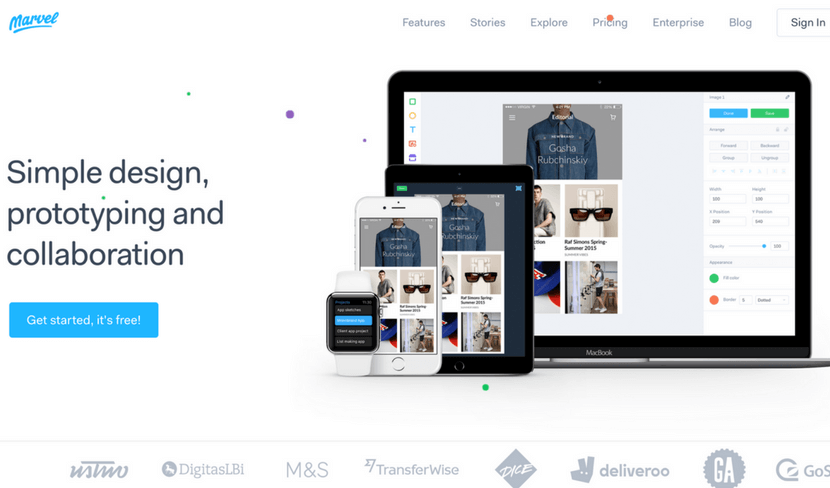
Marvel is a prototype creation tool for apps and websites. You can create straight in Marvel or transport your images from the cloud storage, Sketch, or Photoshop. The tool has a user-friendly editor that lets you link your designs and create prototypes for iPhone, iPad, Apple TV, Apple Watch, Desktop, and Android.

  1. Ceros

Ceros is a cloud-based tool with a digital canvas that can be accessed by the entire team. Ceros allows you to create amazing, interactive infographics and animated designs. The tool is very convenient for both designers and marketers. After creating a unique design, you are able to see the insights of its performance.

  1. Figma

Figma is a collaborative design tool that gives you the ability to work on a design together with your team. Here you can create icons, interface design, responsive layouts and much more. Figma is very easy to use so you won’t waste your time trying to understand the tools and it also allows the integration with Sketch app.

  1. Fuse

Fuse is a design tool for creating apps on Android and iOS. An effective and quick way to create for teams, developers, and designers. With Fuse, adjust animation, UI, layout or anything else you like and test changes in real time. It makes it easy for people that are new to app development and is also very useful for the experienced ones.

  1. Placeit

Placeit offers more than 2500 mockups and demo videos. It is super quick to use and works as a great substitute for Photoshop when you want to place a screenshot of your website on a screen of a computer or a phone. You can choose between many different devices or simply use the search field.

  1. VSCO

VSCO is a very popular photo editing app available for both iOS and Android. It lets you edit your photos and images, add many different trendy filters and share it with other users of the app. The app is widely used by photographers and the youth and constantly updated by its developers.

  1. PicMonkey

PicMonkey is an online tool for design making and photo editing. It has some paid features, but even without them, the tool is pretty powerful. Besides designing and editing, you can also create beautiful collages, or use the “Touch up” feature that can whiten teeth or remove wrinkles in a photo.

  1. Infogr.com

Infogr.com is an application meant for creating stunning, interactive charts and infographics. You are free to choose between more than 35 charts, over 500 different maps and over 20 ready-made templates for infographics. Besides that, you can edit the style, colors and many other things in your design.

Visual resources

  1. Unsplash

Unsplash is a photo stock library that lets you download, edit and use all the photos for free without any copyright. The website is believed to be one of the leading photography websites in the world. Here you can browse new photos, view collections or simply use the search field.

[optin-monster-shortcode id=”u0wiahzfsrgu4dsbbxsb”]

  1. Pixabay

Pixabay is an international website that offers more than 870,000 stock photos that are completely free. Here you will also find vectors, illustrations, and videos of high quality. All of the content you will download on this website is completely copyright free, so feel free to edit and distribute it the way you like.

  1. StockSnap.io

StockSnap.io is full of beautiful stock photos in high quality. It is also copyright free so no contribution to the author is required. When you visit the website, you can see the most popular searches that are displayed as tags under the huge search field. You can also view the trending and recently added photos or add them to your favorites.  

  1. Life Of Pix

Life Of Pix is another brilliant place to find free stock photos. Some photos are features, so you can browse them straight away when you visit the website or choose to use the search field. If you find it time-consuming to preview photos on a big display, you can simply switch to a different viewing display.

  1. SplitShire

SplitShire is a great resource of visual content: free images, photos, and videos. Besides the search field, you will also discover many convenient categories to choose from: animals, fashion, landscapes, mockups and much more. In free videos section, you can scroll down and view all the amazing video content that you can easily download.

  1. Death To Stock

Inbound Marketing Tools Deathtostockphoto

Death To Stock has a lot of content you can use for your creative projects and designs. It has a very convenient feature where you can subscribe to receive a monthly email with beautiful photos. On the website, you can also browse themed photo packs on a specific subject.

  1. PhotoPin

PhotoPin is a completely free tool that might come in handy both for designers and bloggers. In PhotoPin you will find millions of photos with Creative Commons licensing. A very neat feature that this tool offers to its users is that when you download a picture, you receive a contribution link at the same time, so there’s no need to search for it separately.

  1. Freepik

Freepik also offers some free stock photos but is mainly focused on free vectors, icons and PSD files. This website is probably one of the most popular free graphic resources among experienced and new designers. You can use the search field, or browse the vectors by popularity or recency.

  1. Flaticon

Flaticon is probably the biggest database full of icons in PSD, EPS, SVG, PNG and BASE 64 formats. Here you will discover more than 310,000 icons that can be customized to a specific color code before downloading. If you are working on a specific project and you need your icons to have the same style, you can find some icon packs as well.

Automation tools

  1. IFTTT

IFTTT is an amazing tool that lets you connect and create chains of applets. Applets are useful features that different apps are able to offer to their clients. For example, using a certain applet, you can set it up to receive an email when an Instagram picture with a chosen hashtag is posted.

  1. Zapier

Zapier is a great web automation tool for busy people that seamlessly connects one’s apps and automates the processes. Apps are linked in seconds and when data is shared, Zapier passes the data to “Zaps” that represent your workflows. This will help you to finish your tasks and processes faster than usual.

  1. Moosend

Moosend is a powerful email marketing and marketing automation tool. Its features are easy-to-learn and easy-to-use and it promises a minimal learning curve with maximum potential, due to its sophisticated automation, personalization and analytics features.  From designing beautiful email newsletters and landing pages with zero code knowledge to segmenting your email list and making educated decisions through data and analytics, this all-in-one marketing platform gives your business more for less.

  1. Skyvia

Skyvia is a tool that offers a cloud data integration service. It also lets you backup, manage and access your data from all your apps by using only one tool. Cloud data management is processed through SQL so you don’t need to bother about native web API’s of different cloud sources.

  1. Looking for new tools recommend

This used to be Hooks

  1. CloudHQ

CloudHQ synchronizes your apps and your data and lets you integrate your apps with cloud platforms you are using at the moment, including Google apps, like Google Drive and Google Email. The tool offers real-time backup of any data that is in your cloud. It also lets you integrate your dropbox with Evernote, Gmail, Sharepoint, and Basecamp.

  1. Automate.io

Automate.io is a tool that is able to connect all the apps that are located in your cloud. This helps you to automate such processes as marketing, business, and sales. Automated processes include sending automated emails, automate follow-ups and much more.

  1. Looking for new tools to recomend

This used to be CloudWork.  

  1. Integromat

Integromat is a powerful workflow optimization and automation tool. With it, you will be able to connect different devices, apps, and services. The main advantage of this tool is that it can integrate and automate almost any app that’ been created. It can be used in various fields: social media, online stores, customer support and project management.

Management tools

  1. Teamgate

Inbound Marketing Tools Teamgate

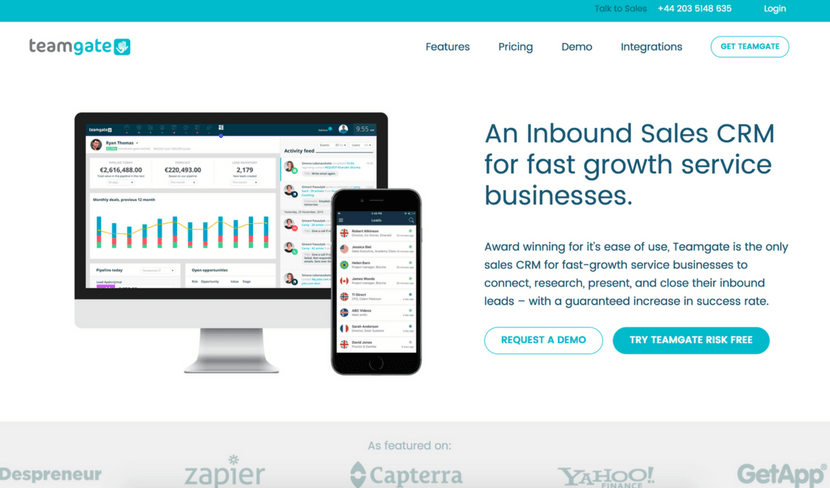
Teamgate is a powerful CRM tool that can be developed especially for you and your team – no matter whether you work alone, run a small business or manage a big team. It helps you curate and plan daily tasks, schedule your calls and appointments, create individual goals and view how close you have gotten to your goal. It also has a neat feature where you can view insights of your team’s sales score and an evaluation on how much better or worse you are doing compared to last year, month or week.

  1. Bitrix24

Bitrix24 is a widely used management tool because of its many features and other tools like CRM, task and project management, document and time management, calendars, chats and much more. It also offers a telephony service so you can call anywhere – domestically or internationally.

  1. Copper

Coppers CRM is a user-friendly, simplistic management tool that is focused on teams and interactions. It makes it really easy to keep on track with what your team is working on and keep an eye on the sales.

  1. Zendash

Zendash makes tracking your marketing performance simple and efficient. With its user-friendly dashboards and seamless integrations, it brings all your analytics into one place. Use Zendash to gain valuable insights, optimize your inbound campaigns, and make smarter, data-driven decisions to grow your business.

  1. Salesflare

Salesflare is a CRM that stands out due its focus on technological development. The tool is integratable with Office 365, Gmail, iCloud, Zapier and Exchange. It offers useful insights on sales and assists you with follow-up opportunities. The Salesflare takes care of all the data input so you can focus all your attention on sales and profits.

  1. Act!

Act! is a CRM and a brilliant management tool for managing customer relationships and contacts. This CRM is mainly meant for individuals, sales teams, and small businesses. Here you can choose between three different plans to suit your needs: Act! Pro, Act! Premium and Act! Essentials.

  1. Insightly

The name of this CRM tool speaks for itself – it can offer you many useful insights on your sales, team workflow and many other aspects. The tool is also packed with an array of great features, such as contact and lead management, task, events, reports, email integrations and so much more.

Lead collection tools

  1. AeroLeads

AeroLeads is one of the most powerful prospecting software on the web used by over 5000 businesses. It finds all the details of a business or person that includes Email, Name, Phone Number and social profiles. It also provides you with the service of giving you the email list or email database as per your requirements.

  1. OptinMonster

OptinMonster is an amazing and very popular lead generation tool, especially for WordPress. It helps you convert visitors into subscribers by creating convenient and smart signup forms. It works with MailChimp, AWeber, Infusionsoft, GetResponse, Constant Contact and many eCommerce platforms

  1. Leadfeeder

Leadfeeder is a simple lead collection tool that helps to turn your visitors into subscribers. It is mainly focused on the B2B market and works by connecting to your Google Analytics account where it collects useful data about your website visitors. Offers integration with MailChimp.

  1. Leadpages

Leadpages will generate leads through social media, emails, web and text messaging. Here you can choose from a selection of high quality and performance templates and then customize them to your own taste. The customizable templates are mobile friendly and the tool itself can integrate with MailChimp, Salesforce, Infusionsoft and many other tools.

  1. Leadformly

Leadformly is a website that lets you create interactive lead generation forms and use them to capture more leads. After you choose a template you like, you can redesign it as you wish, then simply add the embed code to your website and wait for the results. It integrates with Salesforce, Sugar CRM, Infusionsoft, MailChimp, HubSpot, Marketo etc.

  1. Lead Forensics

Lead Forensics is a tool that will turn anonymous traffic into leads. With this tool, you can identify the leads in real-time and reveal such information as contacts, business name, financial data, demographics, etc. It also lets you analyze each case from the first click to sale.

  1. LinkedIn Sales Navigator

LinkedIn has a special tool called Sales Navigator that is packed with features focused on social selling. It gives you custom lead recommendations, imports Salesforce data, constantly informs you with real-time sales updates and lets you measure your social selling stats and efforts. On their website, you will also find success stories and useful resources.

Social media tools

  1. Buffer

Inbound Marketing Tools Buffer

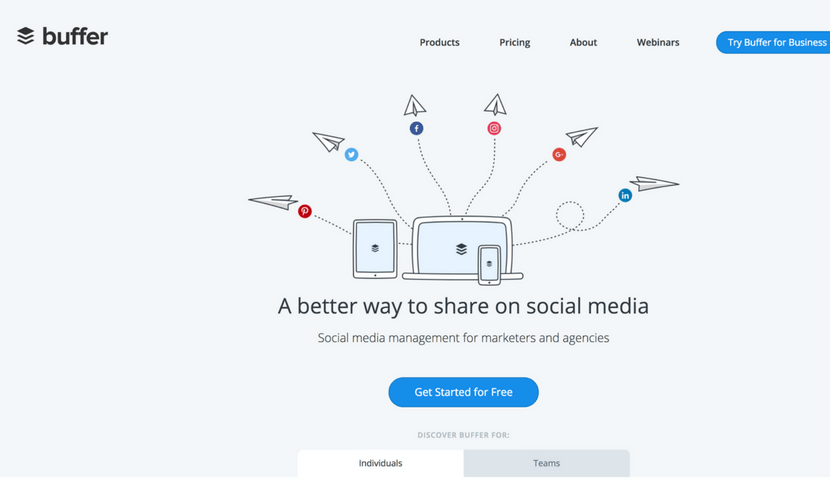
Buffer is a social media scheduling tool for Twitter, Facebook, Instagram, Pinterest, LinkedIn, and Google+. It will help you to save loads of your precious time and focus on your strategy.  You can easily schedule by using the website, installing the browser extension or on the go – with apps for iOS and Android.

  1. Quuu Promote

Quuu Promote enables you to share and promote your generated content via Facebook, LinkedIn, Twitter and Google+. The entire system consists of three steps: first, you create a post using URL address, second, you select the most relatable topic and lastly, monitor and track your promotions via Quuu.

  1. Hootsuite

Hootsuite is social media management tool that works with more than 35 popular social networks. It has many different tools that include Publisher, Engagement, Analytics, Insights, Campaigns, Platform, Amplify, and Ads. These tools are best for fields, such as social selling, marketing, customer service and Employee Advocacy.

  1. MeetEdgar

MeetEdgar is a tool for social media planning and scheduling. One of the cool features of MeetEdgar is that it does not throw away your published posts, but keeps them in a safe library so you can analyze, edit and repost them later. Here you can also place your scheduled posts in different categories.

  1. Looking for a new tool

This Used to be Mentia

  1. Tagboard

Tagboard is a social search platform based on hashtags. It searches through social media content and finds relevant content in seconds. The tag search is processed through such platforms as Facebook, Twitter, Instagram, and Flickr. A very convenient feature is that you can automatically promote any posts you like.

  1. SharedCount

SharedCount is a very simple service and a tool for social media analytics. Its main feature is to quickly track URL shares and likes across the internet. After you enter the URL of your post, you will see how many shares, likes and comments it has collected on Facebook and how many times it was shared on Google+, Twitter, Diggs, LinkedIn, Pinterest, StumbleUpon, and Delicious.

  1. Agora Pulse

Agora Pulse is an amazing yet simple tool for social media management. It brings all the most popular social media networks to one place where you can easily track and manage the engagement. The tool offers many useful stats and insights and has a feature that allows you to run contests and promotions.

GET READY TO OWN YOUR WORKDAY

with the most user-friendly CRM on the market.

Start Free 14-Day Trial

Painless setup, no credit card required

  1. EveryPost

EveryPost is a simplified social media publishing platform and an app for both iOSand Android. With this great tool, you can manage your content, edit your posts, collaborate, schedule, publish and study the social media analytics to come up with even greater solutions for your business.

  1. Sprout Social

Sprout Social is a powerful social media management tool. It has many advantages to offer: Smart Inbox, Monitoring, Social CRM, Publishing, Analytics, Collaboration, Account Structure and Mobile – all these features in one simple tool. Sprout Social works perfectly for social customer service and social media marketing as well.

  1. Bitly

Bitly is a widely used and well-known URL shortener. Nothing is uglier than a long URL on social media or your website. Besides its main features, Bitly lets you optimize and share the links via Bitly, API or other partner integrations. With this tool, it’s also possible to track link analytics and stats.

  1. Tailwind

Tailwind is a free scheduling platform for Pinterest and Instagram. With this tool, you will be able to discover new interesting content, schedule your social media posts in advance, curate conversations and study analytics to reach better results in the future. You can use the free version or choose from plans meant for small businesses and large organizations.

  1. Tweepi

With Tweepi, you can Tweet faster and more efficiently. This tool was specially developed for one social media channel only with a greater focus on it and its capabilities. In the year of 2017, it already has more than 1,500,000 users. With this tool, you can follow relevant users, follow back, schedule tweets and much more.

SEO tools

  1. Übersuggest

Übersuggest is a tool that generates loads of keyword ideas for you. Simply enter one of the main keywords that describe your business and receive hundreds of similar suggestions. Besides that, you can also choose other options, such as browsing in the web, images, shopping, YouTube, and News section.

  1. Moz

Inbound Marketing Tools Moz

Moz is a great SEO tool and a software that performs 5 billion searches each day. It has two main services: one is called “Moz Local” and focuses on local searches by using your location information. The other service is called “Keyword Explorer” that lets you find the best keywords and offers many intuitive suggestions.

  1. SEMrush

SEMrush is another tool to help you find more keywords that are relevant to your business. Besides this useful tool, SEMrush can also offer SEO audit, position tracking, semantic core collection, backlink audit and much more. Next to SEO, the company also works with paid traffic, social media, content management and PR.

  1. Ahrefs

Ahrefs is a tracking tool for mentions across the internet, keywords, and backlinks. By using Ahrefs, you also gain access to other tools, such as position, size and content explorers, position tracker, crawl report and alerts that make sure you never miss a new mention.

  1. Backlinko

Backlinko is a place where you can find many marketing and SEO tips, tricks, guides, ebooks and blog posts about it. In general, the website helps you master the link building process, lift up the user experience, optimize and promote your content. You can also sign up for free updates and the newsletter to make sure you don’t miss a thing.

  1. Wordtracker

Wordtracker is a tool with the main focus on longtail keyword search. While researching the keywords, you can choose a specific time period and region so that the result would be more relevant. This tool also lists some advantages why it’s better than Google Keyword Planner: not grouped keywords, results are not banded, SERP comparison and much more.

  1. Keyword Tool

Keyword Tool is a substitute and an alternative for the Google Keyword Planner. It finds the most searchable keywords that your potential customers type into Google Search Box. Every search term is estimated to receive at least 750 keyword suggestions, it is absolutely free and you can freely use it without any registration.

  1. Looking for new Adition

Used to be Keyword Eye

Streaming tools

  1. Crowdcast

Crowdcast is a simple and dynamic streaming tool that lets people share content via webinars, live courses, summits and Q&As. It’s very quick and easy to get started because you don’t have to download any files, the setup is very easy and there’s only one URL.

Livereacting is a platform that helps to boost your social media presence by creating and scheduling an engaging 24/7 live stream. It provides tools to automate interactive content, such as polls and quizzes, to maintain continuous audience engagement.

  1. Bambuser

Inbound Marketing Tools Bambuser

Bambuser is an interactive platform for live streaming. It benefits from another tool called “Iris” that focuses on simple mobile live videos. This tool can help you to create professional live videos, organize and manage them via Content Dashboard, and publish them through Player SDKs.

  1. Google Hangouts

Google Hangouts is a very popular streaming tool provided by Google. Through this tool, you can message your team or a single person, make a video or an audio call. In one chat, you can connect up to 100 people which is a pretty large number. To make your interaction even more fun and accurate, you are free to use emojis, maps, photos, stickers, and GIFs.

  1. Tinychat

Tinychat is a simplistic live video chat platform that can also be used as an app for iOS and Android. It is called a video chat, but it does not obligate you to participate in a conversation, you can just observe and watch. To start a chat room, simply click on the bright blue button that says “Instant Room”.

  1. Livestream

Livestream is a powerful and a highly developed live streaming tool. It has a high-tech live video solution with tracking and analytics so you can track the engagement, end to end hardware and software, 24/7 support and many different product solutions, developed for distinct needs.

  1. Twitch

Twitch is a streaming website with more than 9.7 million daily users and mainly focused on video game streaming. It has a few listings that show the most recent top live channels, Top PS4 Channels and Top Xbox One Channels. To start streaming, you can try a free trial to test out the features. 

  1. YouNow

YouNow is a broadcasting tool where people can stream live. On the left corner of the website, you will always find trending topics and in the middle section – trending broadcast that you can view freely. It is completely free and available both for iOS and Android as an app.

  1. Youtube

Youtube has a live streaming section called “Live” where you can stream videos of your own and watch other live streams of people gaming, playing music, racing, etc. You can choose between two different streaming options: “Stream now” that lets you send content and stops it at the right time and “Events” that gives you more over the content.

While working on these outstanding tools, you also need the right peripherals. One of the key things you need while working on marketing tools is AirPods. Whether it’s about watching marketing tutorials on YouTube or editing a sales video, good sound quality is necessary. Buy Airpods online or from a store and to make the buying easier, this guide on AirPods generations is important. From AirPods first generation in 2016 to the latest fourth generation in 2024, there have been major changes in them. Knowing how things have changed and what the key differences are between various generations is an important factor to consider before buying.

Final Thoughts

Growing a business is a day-to-day mission and we should take all the help we can take. Leveraging the right inbound marketing tools is crucial for the success and growth of your business. These tools not only help streamline processes but also optimize and enhance the effectiveness of your marketing strategy.

Make the most of the insights you’ve gained from these 100 powerful inbound marketing tools and watch your business soar to new heights.

Now that you’re armed with this knowledge, take the next step to further boost your marketing efforts – try Teamgate CRM.

It’s an innovative solution designed to perfectly align with your inbound marketing strategies, ensuring you harness the full potential of every lead and customer interaction.

In this article, we will guide you on how to improve your sales skills, even if you’re not a salesperson. By understanding the importance of selling in various aspects of life and adopting effective strategies, you can become a successful go-getter and turn life’s hardships into triumphs. From changing your perception of selling to mastering closing techniques, you will learn valuable insights to enhance your sales skills and achieve your goals.

Key Takeaways:

  • Change your perception of selling: Collaborate with customers to find the right solutions instead of pressuring them.
  • Put yourself in the buyer’s shoes: Understand customer motivations to tailor your pitch effectively.
  • Plan, practice, and stay calm: Meticulous preparation, role-playing, and composure enhance sales skills.
  • Manage the pipeline and close deals: Read customer cues, focus on key decision-makers, and employ effective closing techniques.
  • Think long-term and read up: Accept rejection gracefully, follow up with leads, and expand knowledge through sales books.


Knowing how to sell is not a dirty secret, it’s an enormous advantage in any endeavor. Wouldn’t it be nice to finally negotiate that raise? Or get your colleagues’ buy-in on the project? Even if you’re not a salesperson, your sales skills will determine how successful you are in your career, your relationship, and even your life, in general.

Effective salespeople excel at communication, active listening, public speaking, social psychology and many other things besides negotiation and closing. Dedicating your time and effort to improving these skills will propel you into a future where your highest ambitions become a reality.

Follow these proven strategies on how to improve your sales skills to become a successful go-getter, and turn life’s hardships into triumphs.  

Change your perception of selling

Picture Jordan Belfort, the legendary Wolf of Wall Street, so ingeniously brought to life by Leonardo DiCaprio, selling worthless penny stocks to unsuspecting customers and making millions on their backs. Dishonest, sleazy, self-serving; he is the embodiment of the cliché of a salesman that is still very much alive and vivid in a lot of people’s minds.

Try asking around what a salesperson actually stands for in customers’ eyes, and you’ll likely get a lot of “pushy”, “silver-tongued”, and “cunning”. The fact that, in the past, salespeople thrived on pushing unwanted products and always put their commission before a customer’s needs, doesn’t make it easier for modern salespeople to get the deserved trust and respect today. But the sales techniques have long evolved to match the much savvier consumers’ needs and expectations. If you want to really hit the sweet spot with your customers, you need to change your perception of selling.

Selling is no longer an act of simply getting someone to buy from you. It’s not about putting pressure on your client and bragging about your product. Selling is now a much more consultative, demand-generating process. A modern salesperson is first and foremost an active listener, whose goal is to drive change and work in collaboration with the customer to find the right solution. Being persuasive, inspiring and leading is part of the job description. And closing the deal is only half the job done.  

Sales Process Methodology Evolution

Put yourself in the buyer’s shoes

If a good salesperson can give a customer what they want, then a great one can give them what they need. Before launching into your pitch, you must do your research to uncover the underlying motivations for buying. Essentially, people buy because of two reasons: they either want to solve a business problem or achieve a personal or professional goal, something that would satisfy a need or desire.  

Without understanding what’s driving your customer’s decision, it will be significantly more difficult to drum up their excitement and get them to envision the better, brighter future that your product can create. There are different approaches to harvesting the information you manage to gather. You can choose to press it where it hurts and demonstrate the value of your product by amplifying the customer’s pain points, or you can tap into the customer’s emotions and use their personal or professional objectives as the guiding star for your pitch. Inspiring people to pursue their desires can be just as powerful as encouraging them to act on their problems. But only you can know which approach is more appropriate to the customer you’re dealing with because you’re the one with all the information in your hands.  

Being able to connect the dots between your customer’s business needs and their personal motivations is what helps great salespeople be more empathic, offer customized solutions and ultimately, close more deals. Don’t skip the research stage. Invest time and energy into developing a deeper understanding of the environment your customer is operating in, and you will learn to recognize the real motivations behind their buying decisions.

Plan and practice

Practice makes perfect, and all successful salespeople live by this belief. Selling is no improv game; it requires meticulous preparation, planning, and practice. But don’t mistake preparation with learning a sales pitch by heart – it won’t get you far. The whole point of role-playing sales conversations is to get a sense of how they flow and feel. One of the biggest mistakes a salesperson can make is to go from rehearsing a pitch in their head to talking directly to a client. You’ll often realize, much too late, unfortunately, that your pitch is too disconnected from the solution you’re supposed to be offering, that you’re using the wrong language to communicate and are failing to hit the mark with the customer.

Enlisting a team member or a seasoned manager to role-play sales situations is probably one of the easiest ways of getting professional feedback and improving your sales skills. If you’re eager to get a less biased opinion of how your pitch sounds and feels, you can always ask a trusted friend or a family member to hear you out and rate your performance.

Getting involved with a local charity can also be an excellent opportunity to improve your sales skills. Charities are always on the lookout for people who aren’t afraid to go out there and raise funds for great causes. Technically, fund-raising is not selling, but it requires a very similar skill set, mentality, and body language, and therefore, could be a perfect training exercise.

There are literally hundreds of ways how you can hone your sales skills – from enrolling to sales workshops or finding a mentor, to making it your goal to convince a friend to go to that concert with you. What you need to understand about sales is that it’s a journey of many steps. Different skills will help you accomplish different objectives, so focus on identifying your weak points and work on them one by one.

Stay calm and don’t brag

It’s impossible to prepare for every imaginable situation, so chances are, it won’t always go as planned. With the adrenaline surging and your brain scrambling to find a way out, it can be difficult to maintain a confident posture and stop yourself from talking too much or from rambling a meaningless string of words. Although easier said than done, you must learn to stay calm and composed, keeping your body language confident and your facial expressions relaxed. Try to keep your tone and pace in check, as these two factors carry an enormous influence on how your pitch is received.

Sales Process Skills Body Language Moves

Every experienced salesperson will tell you that successful selling relies on establishing deeper connections and encouraging peer-level interactions. You absolutely want to be seen as an expert and authority in the field, but in no way can you come across as condescending. Nobody wants to be lectured, especially people who are about to spend their money with you. Ensure you always treat your customers with due respect.

Another extreme situation that salespeople can sometimes find themselves in is when they lose confidence in the sale and start begging. The second the customer catches the mood, they’ll begin doubting you and back out of the deal.

In these fight or flight situations, our biological response can sometimes overpower the rational mind, and so we either succumb to bragging or go all guns blazing. But even if you’re selling the best product on the planet, your job is to guide the customer to that revelation, not to beg them to believe you or shove ‘the truth’ down their throats. Mentally preparing yourself is a big part of your success.

Work to understand how your customers will buy

It’s extremely rare for customers to make big buying decisions on the spot. In fact, research shows that 51% of the purchase decision is complete before the customer even approaches the supplier. Modern consumers are especially choosy and take their time to study various options before they commit to any purchase. Thanks to the vast amount of high-quality information accessible online, including reviews published by other consumers, they can have pretty much everything they need to make up their mind. There’s no need to talk to a salesperson anymore, and that’s a huge risk for companies of all sizes. Allowing potential customers to deliberate on their own, puts the sales team at a great disadvantage.

One strategy that salespeople are employing to tackle this issue is simply assuming the customer’s viewpoint and reverse engineering the customer’s buying journey. If you really commit to learning and better understanding the steps a customer takes as they move through their buying process, you will be much better equipped to provide the right content and solutions at the right time. Think like your customers do and you’ll soon be calibrating your strategy regarding customer actions and not your sales process. With content marketing being such a fundamental element of a modern buying process, sales teams should make it their priority to work closely with their marketing colleagues to attract, nurture and qualify high-quality leads that will later convert to paying customers.

Sales Process Skills Relevant Terms

Manage the pipeline

Successful selling draws on the salesperson’s ability to read and understand the cues in the customer’s behavior. The lesson many learn the hard way is that the customer is looking for a solution, not a product. No matter where you are in your sales process and no matter what you think should follow next, if the customer isn’t ready and you try to close the deal, you blow it. Seasoned salespeople approach selling with a different mentality. Reviewing each case from the customer’s perspective and trying to understand where in their buying process they are, allows them to see the real status of the opportunity and what steps they can take next to try and bring it to a close.

Armed with such tools like a sales CRM, a salesperson can up their game to a whole new level. Teamgate users frequently highlight the importance of a robust sales process and how using a CRM makes cementing the fundamentals a lot easier and faster. Improving your sales skills can often be achieved through discipline and following a well-defined sales process. A smart CRM can ensure you never stray too far away from your sales strategy, focus on the leads that are qualified and accelerate your sales velocity by eliminating unnecessary steps in the buyer’s journey.

Focus on the most influential decision makers

Sometimes the person you’re pitching has no real decision power or is only one of many stakeholders in the decision-making process. You still need to persuade them to get on the list of “the most suitable solutions”, though, and get your foot in the door but stopping there would be a mistake. To succeed as a salesperson, you need to look beyond the simple interaction and identify the key influencers who have the power to sway the buying decision.

C-level executives are often the people calling the shots, however, getting access to them can be problematic. Without exception, all of them have their own gatekeepers – people who work relentlessly to prevent unsolicited sales calls, unplanned meetings, and time-wasting interactions. Typically, a personal assistant, secretary, or company receptionist play the role of the gatekeeper and getting past it is an art form in itself. Whichever strategy you choose to get your way, remember that the gatekeeper is not your enemy and trying to sneak past them will probably get you cut off at the knees.

Establishing rapport with the person you’re pitching can also provide an alternative route to reaching all key stakeholders. If you manage to find out who the stakeholders are, you can stay one step ahead and diligently manage all buying objections by providing everything the stakeholders of different caliber might need. If the person you’re talking to will be the user, he’ll be interested in the features and benefits of your product, while his manager could be mainly concerned with the price and high-value add-ons. Learning to identify the most influential decision makers will undoubtedly help you improve your sales skills and close more deals.

Sales Process Skills Decision Making

Close the deal

Closing is, of course, the most important part of the sales process. It is the time of the big verdict when all the strengths and weaknesses of your pitch come to light. We have already talked about the new spirit of selling – a successful salesperson does not push, pressurize or sweet talk people into buying. They follow a well-defined, step-by-step process to carefully nudge prospects in the right direction, and when it comes to closing the deal, they adhere to the best practices and use a technique that is most appropriate to that particular prospect.

To improve your sales skill, you must master at least the top few techniques to be able to pull out the right one when the time comes. Here are some of the most powerful closing techniques you should know.

Creating a sense of urgency: it’s now or never. It’s an oldie but goldie. Salespeople use this technique when they can make a special, limited-time offer that has a great alluring effect and prompts immediate action from the prospect. By employing phrases like:

  • If you sign up today, I can give you a special discount;
  • If you would like to move forward with this, please let me know as soon as possible because it is the last available spot/ the last one at this price;
  • I could throw in an extra X if you commit to buy today.

There are many variations of the closing line, as it depends on your product and the special offer you can make. However, be sure to showcase the value of your product before you resort to this technique, otherwise, it can come across as too pushy.

Using questions to overcome objections. One skill that effective salespeople learn early in their careers is asking probing questions throughout the entire sales process. Closing a deal does not necessarily mean delivering a miraculous pitch that turns the customer around at the very end of their buying journey. It’s about taking a methodical approach to eliminating objections to purchasing from the first touch point. Crafting questions that both illuminate the outstanding objections and get the customer to commit to the next step will allow you to quickly realize why the customer isn’t quite convinced as well as continue selling. Here are a few good examples of effective closing questions:

  • In your opinion, does the offer I’m making help you solve your company’s pain point?  
  • Is there any reason why we can proceed to the next step?
  • Is there anything that could stop this deal from happening?

Test the buyer’s intent before closing. This is one of the most famous closing techniques, known as the trial close. The beauty of this technique is that it can be used at any stage of the sales process, so you can always use it to simply check if you’re on the right track. Customers are likely to have objections at various stages in their buying journey, especially regarding such sensitive topics as price and implementation timeline. That’s why effective salespeople focus on addressing those arguments early in the day so that they can take the sale forward and close confidently. Here are a few possible examples of the trial close:

  • Does everything we have discussed so far meet your expectations/satisfy your needs?
  • If we can overcome this issue by X, would you be ready to take the next step?
  • How do you feel about the payment terms?
  • Based on what you’ve heard so far, what are your concerns/questions?

Think long term

Let’s face it, being rejected on a daily basis is also part of the job description. Salespeople who learn to accept a “no” and move on to another sale without a soul-crushing disappointment are the ones that succeed long-term. A “no” today might be a “yes” in three months, so you must keep your eyes on the big picture.

Don’t take rejections personally. Buying decisions are very complex; there are lots of moving parts and different interests at play. It doesn’t always come down to your closing pitch or your overall performance, the client’s circumstances might change, but it doesn’t mean the problem disappears. If you make a point to circle back every few months to follow up on the leads that fell through, sooner or later, you’ll find them in the right mind for buying.

Sales Process Skills Follow Up

Read up

Reading is probably the fastest and easiest way to absorb the knowledge of those who managed to accomplish what everyone struggles to. If you decide to take this endeavor of improving your sales skills seriously, put some time aside to read these all-time favorite sales books.

  • The Outward Mindset, by the Arbinger Institute:  the definitive guide to achieving an outward mindset that is the secret of teamwork and breakthrough results in work, relationships, and organizational performance.
  • New Sales. Simplified, by Mike Weinberg: a must-read for people who want to learn how to prospect, develop and close deals. 
  • The Only Sales Guide You Will Ever Need, by Anthony Iannarino: packed with extensive research and experience, this book can turn any amateur into a great salesperson.
  • The Science of Selling, by David Hoffeld: this book will show you how to align the way you sell with how the human brain forms buying decisions.
  • The Lost Art of Closing, by Anthony Iannarino:  this book teaches you how to set up closing so that it becomes one of the easiest parts of the sales process.
  • Key Account Hack, by Jermaine Edwards: practical and packed with real-life examples, this book is your customer success guide.
  • Social Selling, by Tim Hughes & Matt Reynolds: essential reading for sales professionals who are looking for a step-by-step blueprint for harnessing the power of social selling.
  • Beyond the Sales Process, by Steve Andersen & Dave Stein: featuring instructional case studies and high-level research, this book will provide a methodology for driving success before, during, and after every sale.
  • Never Split the Difference, by Chris Voss & Tahl Raz: the bible of negotiation brought to you by the FBI’s lead hostage negotiator.

Conclusion

Becoming a great salesperson can be a life-changing experience. Once you grasp the fundamentals of effective communication, social psychology, negotiation, active listening and all the other skills that help salespeople succeed, you will not only be able to close more deals, but also lead a richer, happier life. Here’s a quick summary of the lessons to take away from this article:

  • Change your perception of selling – it’s not about putting undue pressure on your prospects, it’s about collaborating with them to create the right solutions.  
  • Put yourself in the buyer’s shoes – stop thinking about your sales process and study how and why your customers buy.
  • Plan and practice – you can’t wing a successful sale. Put the hours to plan and prepare for your pitches and polish your skills as you go.
  • Don’t brag or lose control over your body language – staying calm in situations where nothing goes to plan is crucial to moving the sale forward.
  • Work to understand how your customers will buy – try to reverse engineer the customer’s buying journey and use that information to guide the customer to conversion.
  • Manage the pipeline – adapt your sales process based on where customers are in their buying journey.
  • Focus on the most influential decision makers – learn to uncover the key influencers and look for alternative routes how to reach them.
  • Close the deal – use the best closing techniques to achieve your goal.
  • Think long term – don’t give up after the first “no,” learn how to follow-up without annoying your prospects.
  • Read up – tap into the unique expertise of sales industry gurus.

FAQ: Skills for salespeople

Q: What are essential skills for salespeople?

A: Essential skills for salespeople include effective communication, active listening, negotiation, relationship building, problem-solving, and adaptability. These skills help salespeople connect with customers, understand their needs, address objections, and close deals successfully.


Q: How can salespeople improve their communication skills?

A: Salespeople can improve their communication skills by practicing active listening, asking relevant questions, and focusing on clear and concise messaging. They can also seek feedback, engage in role-playing exercises, and continuously work on enhancing their verbal and non-verbal communication abilities.


Q: What role does empathy play in salespeople skills?

A: Empathy plays a crucial role in salespeople skills as it allows them to understand and relate to customers’ perspectives, emotions, and challenges. By demonstrating empathy, salespeople can build trust, establish rapport, and tailor their approach to meet customers’ specific needs, ultimately increasing the chances of successful sales outcomes.


Q: How important is resilience for salespeople?

A: Resilience is highly important for salespeople as they often face rejection, setbacks, and challenging situations. A resilient salesperson can bounce back from failures, learn from experiences, and maintain a positive mindset. Resilience helps salespeople stay motivated, persist in pursuing opportunities, and ultimately achieve long-term success in their sales careers.


Q: Can salespeople improve their skills through training and development?

A: Yes, salespeople can significantly improve their skills through training and development programs. These programs can provide valuable insights, techniques, and best practices for various aspects of sales, such as prospecting, closing, and building customer relationships. Continuous learning and honing of skills through training can enhance salespeople’s performance and effectiveness in their roles.

This article explores the importance of collaboration between sales and marketing departments in businesses. It highlights the pitfalls that can hinder effective alignment between the two teams and provides insights into how to overcome these challenges. By emphasizing the benefits of collaboration and offering practical solutions, the article aims to help readers improve sales and marketing coordination for greater success.

Key Takeaways:

  • Collaboration between sales and marketing teams is crucial for business success.
  • Poor alignment between sales and marketing can result in reduced revenue and missed opportunities.
  • Effective collaboration can lead to higher sales win-rates, increased customer retention, improved deal-closing, and higher annual growth.
  • There are seven common pitfalls to avoid when trying to align sales and marketing teams: admitting the problem, relying on shortcuts, lack of a middleman in collaboration, overlooking the human aspect, prioritizing technology over people, onboarding executives, and expecting instant fixes.
  • Successful collaboration takes time, patience, and a company-wide cooperative spirit.
  • By embracing change, investing in sales training, improving communication, and fostering collaboration, businesses can unlock the full potential of their sales and marketing departments.

The evolution of marketing

In most small businesses, the line between sales and marketing is blurred. Initially, there is no designated marketing team, with commercial ideas coming from managers, external agencies or the sales team.

As the business grows, players need to focus on their primary tasks, and the first marketing personnel are hired. These newcomers are charged with market research, promotional activities, assisting the sales team attract prospects, finding and qualifying leads, and closing deals. Marketing’s role is to supplement the sales team, while the sales team’s function remains the same – selling.

As marketing integrates closer ties with planning, product development, and finance departments, tensions tend to rise. Both sales and marketing lose traction due to overlapping tasks, and budget competition.

Sales and marketing dream team

Therefore, it’s important to realise that marketing departments are constantly evolving, as the situation demands, while the sales team’s function remains reasonably stable.

Sales versus marketing in figures

It’s never good when two driving forces behind your business have differing game plans. The inability to focus sales and marketing departments on the same goals can trim your annual revenue by up to 10%, according to LinkedIn research.

Below are some other sales and marketing alignment statistics which might make you think:

  1. Only 8% of businesses claim to have a well-aligned marketing and salesforce. (Forrester Research)
  2. Cohesive sales and marketing alignment can spike sales win-rates by as much as 38%. (MarketingProfs).
  3. Companies with well-aligned sales and marketing teams have up to 36% higher customer retention. (MarketingProfs)
  4. (Marketo) states that marketing and sales regulation improves deal-closing by as much as 67%.
  5. Aligned sales and marketing departments boost annual growth by 20%. (Aberdeen Research Group)
  6. 65% of sales teams can’t source suitably enticing content. (Kapost)
  7. 47% of large conversions are the result of nurtured leads. (The Annuitas Group)
  8. 70% of B2B content wasted due to unsuitability towards target audience (Content Marketing Institute).
  9. 50% of marketing leads are ignored or neglected by salespeople. (ReachForce)
  10. 50% of salesforce time is spent on unproductive account prospecting. (ReachForce).

And old but gold rule is this; collaborating teams solve problems, but a lack of collaboration only manages to create them.

7 reasons why sales and marketing alignment may fail

According to Australian collaboration expert and author Peter Strohkorb, there are 7 reasons why sales and marketing teams struggle to align effectively. 

1. Admitting the problem

The first step towards any problem solving is accepting that there is a problem. Not only is burying your head in the sand useless, it may even magnify any existing issues.

However, it seems that it’s marketing people who ignore problems most. Typically, members of the sales team admit that closer collaboration with their colleagues in marketing would be beneficial.

sales marketing collaboration
Image credit: HomeBusiness Mag

Whatever the situation may be at your company, it is important to stop finger-pointing and engage in problem-solving. The sooner parties admit that things can get better, the faster the situation improves.  With cooperation between marketing and sales there are no losers, recognise problems and face them.

To better understand your sales and marketing teams’ interaction, try to assess their relationship. Philip Kotler defines four examples:

  •       Undefined relationship. Until there’s a conflict, both parties are heedless of each other’s actions. Joint meetings are dedicated only to problem-solving with little emphasis on cooperation.
  •       Defined relationship. Here, both teams collaborate via an established ‘playbook’. There is a clear distinction between roles. To prevent potential conflicts, marketers and salespeople have regular meetings to reflect on and solve common issues.
  •       Aligned relationship. Sales and Marketing sectors have clear distinctions, but their relationship is flexible. Marketers confer with the sales force on big accounts, and salespeople have an understanding of marketing philosophy such as ‘brand image’ or ‘unique value proposition’.

      Integrated relationship. Integrated sales/marketing activities share the same systems, structures, and rewards. The teams develop common metrics and share terminology, there is less friction, and budgeting becomes more flexible.

2. Relying on shortcuts

With sales quotas to fill, monthly targets to meet, and quarterly reports to write, quick fixes become convenient, but most of these fixes are rarely effective, especially when they revolve around sales and marketing collaboration. Some popular, but ineffective fixes include extra sales training, hiring more sales reps, and generating more leads.

More sales training

Sales training should be constant, both internally and externally. Seminars work well when based on existing knowledge and skills. However, these lead to downtime for sales teams and the redoubling of efforts. Also, if newly-acquired skills are not reinforced within 30 days they are likely to be lost. Finally, the principles of change management state that things tend to get worse before they get better.

New skills require trial and error, losing time and sales volume, much to the annoyance of sales managers who may wish to revert to previous practices.

Increase the sales force

Another popular workplace myth is that more sales reps will lift sales volume. While that sounds logical, bringing in more new faces into a flawed sales and marketing workspace does not solve the core problem. It is the process that needs fixing, not the quantity of staff.

Generating more leads

When challenged some organisations concentrate on lead generation. But, again it is better cooperation between marketing and sales that will lead to better results.

Unless sales and marketing work together and manage to generate, nurture, hand over, close, and report on leads generating extra leads is wasteful. Presenting the right content, in the right context is a far more sound approach. And, for that to happen, sales and marketing need to cooperate fully.

3. No middleman in collaboration

Communication can be expensive; eating up time and prolonging decision-making. However, it is necessary to have a clear and reliable communication channel enabling sales and marketing to work closer. Frequently there is no one to connect between sales and marketing. People from both sides get frustrated by searching for assistance in all the wrong places. Having a middleman can be beneficial for both parties, this intermediary should not be related to either department and have a full-time role in this position. Both marketers and sales teams should know exactly who to contact, regarding all issues affecting both parties.

4. Don’t overlook the human aspect

Good collaboration can boil down to interpersonal relationships, so, having a human-first mindset is beneficial. Sales and marketing departments think differently, often with divisive results. Marketing people tend to rely on calculated and structured sales funnels and guide prospects through the process. Sales tend not to be so rational, basing much of their success on intuition, networking, and experience.

sales marketing teamwork
Image source: DataBox

This can be like two worlds colliding, resulting in conflict. Sales believing that they are the ones who butter the bread, while marketing believe that they are the ones who bake the bread.

The first step towards better collaboration is the realisation that working together benefits all stakeholders. Both sides coming together to implement the design of a process which will see their cooperation run smoothly, effectively, and successfully. Only then can those two worlds cohabitate in harmony.

5. When technology comes before people

The key to successful collaboration is to make sure that people are talking.  However, the correct technology can add value to good communication. But it must be remembered, without the willingness to embrace new technologies, and the readiness to onboard, the technology is useless. An intuitive and easy to onboard Sales CRM can greatly enhance the communication value between sales and marketing. Plus, with features such as a sales leaderboard your CRM can pinpoint the best performers, who is hitting their targets consistently, and which areas of the sales pipeline are causing the most bottlenecks.

A feature such as Smart dialer, technology can give your sales team the edge and the visible confidence to embrace new ways of doing business. Another technological advance is through email CRM integration, employing Gmail, Outlook and other software ensuring simpler and continuous communication pipelines. With technological advantages, such as a CRM LinkedIn integration, you can collect contact data easily and directly from Linkedin, saving you valuable time on direct data-input.

In reality, it is the end-users who have to deliver, and it is only by ensuring a company-wide cooperative spirit that results will be demonstrated. Without people, and their communication, technology is just technology.

6. Onboarding the executive

Company direction tends to flow downwards like water and it is the senior executives who must lead by example. Individuals who try to deliver change without the support of management are doomed to failure. Onboarding an executive to your idea can make all the difference, especially to proposals helping your sales and marketing departments work together more closely. Just be sure they fully understand the advantages such cooperation will bring to all parties.

7. There are no instant fixes

Once better collaboration has been established, impatience may set in. In reality, all change takes time to establish itself. And so it is with sales and marketing alignment; it’s all well and good saying that a thing has changed, but it is the people who must absorb the change and be the difference. It’s at this point that the patience of management and all involved is a real virtue. According to Peter Strohkorb, it takes at least 3 months before the first team collaboration results can be seen.

They will appear in three different stages:

  1.     Stage one. Managers will discover more about the organisation and its people. It will become clear who are the main stakeholders, what they think, and what their sentiments are.
  2.     Stage two. Insights on how the company should present itself on the market will become evident. Questions like “how do we look at our customers” or “what can we do to address them more successfully”, will arise.
  3.     Stage three. The first financial results appear.

It takes time to align sales and marketing teams, but if the right effort is there, it will happen.

Sales and marketing collaboration is the foundation of success

Executives often accuse sales and marketing departments of under-communicating, underperforming and over criticising one another. But, every organisation is different, with it’s own set of parameters and expectations. It’s, for this reason, that time should be wisely spent evaluating, assessing, and considering how to improve the situation.

Hopefully, this article has demonstrated that sales and marketing departments who are willing to collaborate demonstrate greater rates of success and satisfaction. In addition, newly introduced technology gets used wisely, and change is accepted more easily. With the adoption of the mindset of change, sales training, communication, and collaboration become the norm; as are the unexpected windfalls which come with that newfound mentality.

It’s fair to say that changes involving collaboration are difficult to adjust to, that is, until people learn to appreciate, trust and work positively with others. ‘Together we can be better’ should be the motto of a carefully aligned strategy aimed at bringing out the best from sales and marketing departments and allowing them to unleash their real power. 

Start maximizing the potential of your sales and marketing collaboration with Teamgate CRM – the tool that empowers teams, enhances communication, and drives exceptional results. Request a demo today!

FAQs: Sales and Marketing Collaboration

Q: Why is collaboration between sales and marketing important?

A: Collaboration between sales and marketing is important because it aligns the two key departments in a business towards common goals. It leads to increased revenue, higher sales win-rates, improved customer retention, and overall business growth.


Q: What are the consequences of poor sales and marketing alignment?

A: Poor alignment between sales and marketing can result in a loss of annual revenue by up to 10%. It can also lead to missed opportunities, decreased customer retention, and inefficiencies in closing deals. The lack of collaboration hinders overall business success.


Q: What are some common pitfalls to avoid in sales and marketing alignment?

A: The article highlights seven common pitfalls to avoid in sales and marketing alignment. These include ignoring problems, relying on shortcuts such as extra sales training or hiring more sales reps, lacking a middleman in collaboration, overlooking the human aspect, prioritizing technology over people, not onboarding executives, and expecting instant fixes.


Q: How can communication be improved between sales and marketing?

A: To improve communication between sales and marketing, it is important to establish a clear and reliable communication channel. Having a designated middleman who is not related to either department can facilitate effective communication. Emphasizing a human-first mindset and understanding the different perspectives of sales and marketing teams can also contribute to better collaboration.


Q: How long does it take to see results from improved sales and marketing collaboration?

A: According to Peter Strohkorb, it typically takes at least three months to see the first results of improved sales and marketing collaboration. The results appear in stages, starting with a better understanding of the organization and its stakeholders, followed by insights on how to address customers more successfully, and finally, the first financial results.


Q: What are the benefits of sales and marketing collaboration?

A: Sales and marketing collaboration brings numerous benefits, including increased success rates, improved efficiency, better customer retention, and higher overall business growth. It also allows for the effective utilization of technology and fosters a cooperative spirit within the organization.

If your sales aren’t mobile, they’re static

Modern sales professionals need to be both mobile and connected at all times. That’s where the Teamgate mobile CRM idea came to mind.

Sales professionals need a fully mobile sales CRM to keep them in-touch and connected with their entire sales process. If something changes, anywhere in the sales pipeline, your sales team need to have access to that information, office-bound or not.

By bringing Teamgate CRM to mobile, your sales team will benefit from all of the features and tools that they need to take their sales office with them wherever they go. 

Why a Mobile CRM?

Sales professionals can benefit greatly from having a mobile app for their Customer Relationship Management (CRM) system for several reasons:

  • Accessibility: With a mobile app, sales professionals can access their CRM data from anywhere, at any time, as long as they have their mobile device with them. This means they can quickly check customer information, update contact details, and track sales progress while on-the-go, without needing to be at their desk or in the office.
  • Efficiency: Mobile CRM apps can help sales professionals be more efficient by enabling them to quickly input data and update customer information while they are still fresh in their minds. This can help reduce the chances of forgetting important details or making mistakes when entering information later on.
  • Improved Customer Interaction: Mobile CRM apps can provide sales professionals with instant access to customer data, allowing them to personalize their interactions and respond to customer needs more effectively. This can help build stronger relationships with customers and improve the overall customer experience.
  • Real-Time Updates: With a mobile CRM app, sales professionals can receive real-time updates on leads, deals, and customer interactions. This can help them stay on top of their sales pipeline, prioritize tasks, and make better-informed decisions.
  • Analytics: Mobile CRM apps can provide sales professionals with analytics and reporting capabilities, enabling them to track their performance and identify areas for improvement. This can help them optimize their sales processes and improve their overall effectiveness.

 Mobile CRM features

Mobile Sales App Teamgate

A mobile CRM sales solution needs to come with all the time-saving tools sales professionals need to keep the sales pipeline flowing smoothly. With Teamgate CRM, our mobile plan is packed full of features to keep your sales team active:

Agendas – Manage all aspects of your agenda.

  • Check to see what’s on, where, and when.
  • Edit the activity as the situation changes.
  • Change the activity owner.
  • View any files attached or associated with the activity.
  • Add or read personalized comments associated with the activity.
  • Check all of the activity’s related contacts.
  • And finally, remove an activity when no longer needed.

Leads – Your leads are the lifeblood of your sales process so they need to be managed with great care. But that’s no problem with Teamgate mobile CRM

  • Teamgate gives you access to your full leads list.
  • It lets you search your entire leads list.
  • Add new leads and change the status of those leads.
  • Email or call your leads directly from the mobile CRM.
  • Check your lead’s location on the map.
  • Review all communication history and attached files.
  • Change the owner of the lead.
  • Create new tasks.
  • Convert your leads while on the road.

People and Companies – Being away from your desk is no obstacle to managing the people and companies who populate your CRM.

The Teamgate mobile sales solution helps you manage your contacts intelligently and gives you all the options you need.

  • Review your entire contacts list.
  • Add a new person/company.
  • Search for persons/companies
  • Edit or change your customer’s status.
  • Email or call the contact directly from your CRM.
  • Change the owner of the account.
  • Check their entire communication history.
  • View all attached files and documents.
  • See all related deals or contacts.
  • Create new related deals as you need them.

Deals – Deals are always to hand with Teamgate mobile CRM.

  • Search your deals list.
  • Add new deals.
  • Change their status.
  • Change the deal owner.
  • Review communication history.
  • See all attached files.
  • Inspect related contacts or companies.
  • Edit or remove deals.

Take your entire sales office on a road trip

Mobile Sales Solution Teamgate CRM

Teamgate’s mobile sales solution means never being stuck for the information you need, even when away from the office.

Whether you want to arrange meetings or take notes, call clients directly from the mobile app, or update your customer’s detail as they change, Teamgate gives you all that power using your mobile phone. Try a 14-day free test drive today before our mobile app is launched in H2 of 2023!

How would you describe your sales CRM?

  • Easy to use?
  • Insightful?
  • A great time saver?

Probably not, right?

The fact is that most CRMs are a pain to use.  They suck valuable time from your day-to-day and are rarely kept up to date.

In fact, 87% of salespeople believe the reason they’re forced to update their CRM is so that their manager can police their activities.

This often results in salespeople just checking boxes, and doing the bare minimum to pass off as having completed their “obligatory CRM update”.

use-of-crm-systems-amid-increasing-b2b-pricing-pressures

However, companies who adopt a Sales CRM as a tool for Sales Enablement achieve some pretty impressive results…
Check this out:

crm-results

These results from Aberdeen Research prove that by having the right mindset to use a CRM effectively, impressive results can be achieved… and consistently!

Sadly though, an estimated 25-60% of CRM projects fail to meet expectations.

But fear not…

In this article, I’m going to share seven CRM best practices for 2017.  After reading all the way to the end, you’ll be able to identify the right sales solution to guarantee 2017 as your best year yet.

So let’s get into it:

#1 – Clean, Reliable, and Up-To-Date Data

clean-reliable-and-up-to-date-data

Having clean, reliable, and up-to-date information in the CRM is essential for team collaboration.

But let’s be honest… do you really want to spend your time checking through last month’s data, and cleaning it up?

Of course not…

This is why it’s essential you choose a CRM that does this automatically.  Some beneficial features that’ll save you time and keep things in check automagically include:

  • Duplication Prevention
  • Lead Age Indicators
  • Deal Movement Tracking – more on this later.

Unless you enjoy data entry, I urge you to check whether your CRM is capable of all of the above.  It’s 2017 and it’s about time your CRM acted like it!

Related: CRM Segmentation: Knowing Your Customers Better and Preventing Data Clutter

#2 – Company Wide Snapshot

company-wide-snapshot

Another CRM best practice for 2017: Clarity.

“Clarity affords focus.” – Thomas Leonard.

Your CRM dashboard needs to be the first thing you see every day.  It’s the central control and pulse of the company.

At one glimpse you should be able to achieve full clarity over your company’s most important metrics.

As a salesperson this may include:

  • Your sales goals
  • Current leads you’re working
  • How those leads are responding to communications you sent the prior day

As a sales manager you need to be able to see:

  • Your team’s goals
  • Lead sources and their conversion rates for accurate forecasting
  • Top loss reasons so you can support your team in areas of weakness

Ultimately having this kind of clarity and visibility over the company’s performance brings everyone that much closer together, and highlights areas of weakness that you can focus on improving for the most impactful uplifts in performance.

Without it, you’re simply lost at sea.

Related: Sourcing Data from All Angles for Valuable Market Insight and Your Rally Road Book Is Your Sales Forecast.

#3 – Segmentation

Segmentation is the first step towards personalization.  But taking a step back, lead segmentation is about organizing your data so that relevant contact information is never more than a click away.

A CRM best practice for 2017 involves the automation of lead segmentation.

What do I mean exactly?

Let’s say you’ve just finished an initial Online Meeting with a new prospect.

You’ve spent 15 minutes on the call via your CRM’s SmartDialler, and have managed to successfully qualify them into the next stage.

As such, you simply drag and drop the prospect from the “Online Meeting” column to the “Push Column”.

Segmentation

The lead gets automatically tagged, a follow-up task is created, and an email is triggered thanking the prospect for their time on the call.

Automagical.  This is 2017.

Related: Make and Receive Calls Without Leaving Your CRM: Introducing Teamgate SmartDialer and Beyond Sales: How To Make CRM Work For Any Profession

#4 – Source Tracking

This is by FAR the latest and greatest CRM best practice for 2017!

Source Tracking is a great way of accurately predicting sales forecasts based on where a new prospect has entered your CRM from.

For example:

  • Facebook
  • Google
  • LinkedIn
  • Bob’s DIY Podcast

….you get the idea.

source-tracking

At Teamgate we’re huge advocates of the Inbound Sales process.  This means we typically generate the majority of our new leads via web forms.

(By the way, you should be too!)

Now, based on where that lead has come from, we want to know the likelihood of that lead converting to a sale.

Fortunately for you and me, it’s 2017 and the top CRMs will track this automatically for you.

I can’t stress enough the importance of making sure your CRM has this capability.

It’ll highlight the lead sources that are most lucrative for your business so that you can invest more in what’s working, and less in what’s not.

Deal? Good.

Related: Networking and Capturing of New Leads with CRM

#5 – Deal Movement Tracking

Ever had a deal slip through the cracks?

Look, I know – we’re busy salesmen and it happens all the time, but there are measures we can take to ensure it doesn’t happen to you and me.

Deal movement tracking is brand new for 2017 and essentially allows salespeople to see the active movement a deal has gone through from stage to stage.

deal-movement-tracking

Why is this important?

With a quick look at your CRM’s Deal Movement board, you’ll be able to see in an instant which deals haven’t moved an inch.  Allowing you to jump right on them and move them forward.

No more deal slippage!

In fact, Deal Movement Tracking is a real timesaver if you return from a vacation, and want to see what’s happened whilst you’ve been away.

Simply fire up the Deal Movement Board and see all the progress that’s happened whilst you’ve been away – obviously great for sales managers, and highly motivating for salespeople!

Related: How to Stop Being the Second Best in Sales?

Do you have a CRM that keeps you organised?

The most user-friendly CRM on the market. 14-day free trial.

Start Free Trial

Painless setup, no credit card required

#6 – Geographical Insights

Does your current CRM allow you to see where all of your contacts are based on a map inside your deals view?

Ok, so this one may not be relevant to all businesses.  However, if you’re an international company it’s a great way of quickly visualizing which countries are performing best for you.

Not an essential one in my opinion, but a great insights tool that requires no additional input on your part.

Seriously though, it’s very cool.  Just take a look at this example taken from Teamgate:

geographical-insights

#7 – Personalisation

Lastly, and probably one of the most important features of our CRM, as we move into 2017, is the ability to get personal.

As salespeople, we sometimes fall guilty about making our prospects feel like a number in a system.  Cold callers (yes, some businesses still sell like it’s 1982) have probably a lot to answer for on this front.

However, 2017 is the year to pay extra attention to personalization.

Why?

It makes our prospects feel like we care because we take the time to care about what’s important to them.

This is a quote I like to use a lot when talking about influential sales tactics.

“People don’t buy when they understand.  They buy when they feel understood.”

Like that?  It’s so true though, right?

So how can your CRM best support this in 2017?

Your CRM should have a contact timeline where all calls, emails, website, and link clicking actions are recorded automatically.

personalisation


This means anytime you communicate with a prospect you can see the specific user journey they’ve been on all right there in front of you.  And as such, you can speak to them in a way that fits the experience you know they’ve had so far.

Conclusion

Like anything, there are two types of people in regards to Sales CRMs.

  1. Those who blame it for their inability to perform to their highest level.
  2. Those who embrace is it as a Sales Enablement tool.

Hopefully, these CRM best practices for 2017 have got you thinking about all the things you could be leveraging from a modern-day sales tool in your own sales team or business.

In summary, our top performers are going to be capitalizing on all of the following:

  1. Clean, Reliable, and Up-To-Date Data
  2. Company-Wide Snapshot for instant Clarity
  3. Contact Segmentation
  4. Deal Source Tracking
  5. Deal Movement Tracking
  6. Geographical Insights
  7. Personalization

Let’s make 2017 your best year yet!

9 Ways to Keep Your Productivity during hard times:

  1. Limit your exposure to war news.
  2. Take a walk.
  3. Limit Alcohol/Nicotine intake.
  4. Set realistic goals and expectations.
  5. Examine your values and live by them.
  6. Reduce unnecessary stress triggers.
  7. Eat healthy at least once a day.
  8. Try guided meditation.
  9. Reduce multi-tasking.

It’s the N’th day since our daily life flipped to something of a dystopia playing in front of our eyes. We, as humans, are social animals, and seeing members of our society suffering so needlessly, pushes our brains into a loop of trying to find an explanation why is it happening? Many of us find ourselves lost in thoughts and emotions. Many can’t stop reading through all the news for that glimmer of hope. Searching or those small battles won. Looking at the horrors of war, reminding ourselves, that currently, we as a society, are choosing between our humanity and the chance of losing it all.

And for many of us, we feel locked by our emotions. Our brain is stuck in a constant loop of looking for a reason. But to help Ukraine, we need to keep our mental health strong. We need to be able to focus and be productive. We need to support our governments, so they could support Ukraine now. Most important – to rebuild Ukraine in the future. We need to keep our economies strong even with the energy prices rising and the war raging. 

So how to help yourself, so you could help others?

I started looking for a way, to control my emotions, to try and stop my brain from burnout with all that information overload. Constant thoughts, looking for a logical answer that does not exist. I came to these things that may help you during these hard times:

  1. Limit your exposure to war news. Both: the frequency and the amount. It is the first, so well documented, act of aggression against a free nation, with all of its war crimes and horror at your fingertips, constantly being updated. What may help you is an old productivity trick, called the Pomodoro technique. Set a timer on one of your smart devices or download a chrome plugin. The quick explanation is – turn on a timer and work for 25 minutes, then have a 5-10 minutes break. Use a timer for a break as well so you would not get lost in the news. During one of those short breaks, you might find it grounding to briefly check “what’s buzzing today?offering a lighter way to reorient without overwhelm. After 3 Pomodoro, take a longer 20-30 minutes break. But here take a real break, from work, news, and even other people if possible. As your brain needs to digest everything that is happening. I myself do it with 90 Minutes of windows and 15 minutes breaks, with an hour’s break after 2 or 3.
  2. Take a walk. For some, it is already hard to leave the bed in the morning, so we can forget about offering aerobic exercise. However, walking is an amazing stress reliever as well. Our nervous systems were built for our ancestors that walked daily and with the amount of stress and anger, a lot of us are feeling – walking some of it out, helps wonders. I would recommend doing it at least twice a day, for at least 15 minutes.
  3. Limit Alcohol/Nicotine intake. For many, these help to forget, get lost and relax. However, that is only a perception. Both of them create physical stress on our bodies. And when your head is in the wrong place, you may not notice, how you’re increasing your average intake. Count how much you consume and pre-agree with yourself on what you will consume.
  4. Set realistic goals and expectations. You are not okay. The world is not okay. The situation is not okay and you should understand that. If we can’t deliver 100%, we should understand it and not beat ourselves down for it. There is already enough stress in our current situation, just deliver the best you can, but dedicate time slots for it.
  5. Examine your values and live by them. It is important for our brains to act the way we believe is right. And for many – the current situation is not right at all. There are many, that are already left to help on the front lines, but not all of us, have the skills and the ability. However, you can always join your local protest and donate to the charities and Ukrainian government to support them during this horrible war. You can find details about this below. Now more than ever you need to join people that think the same and fight for what you think is right as your brain needs assurance, that humanity stands against it so that you could keep your humanity.
  6. Reduce unnecessary stress triggers.  There were a lot of small stress triggers, that we could ignore, but now, every bit matters. Remove those small things, that are causing you stress. Maybe it is a small task you keep on forgetting. Maybe is something you promised yourself to do – but in the current situation it doesn’t matter anymore, so let go of it.
  7. Eat healthy at least once a day. I noticed getting more and more lost in eating mostly pre-made and junk food, because I tried to compensate for the lost productivity by spending less time on making and consuming food, then I would want comforting food due to the emotional load and the feeling of guilt for underperforming. However, getting at least one proper, homemade meal a day, goes a long way for your mental and physical health. 
  8. Try guided meditation. There are apps and playlists on youtube and Spotify. When you are already overwhelmed and your brain has issues with comprehending the situation it is close to impossible to do a proper meditation, without assistance if you are not a professional at it. However guided meditations help with it, as you can focus on another person talking to you, instead of trying to push your own thoughts away.
  9. Reduce multi-tasking. This one works perfectly with the Pomodoro technique. During your period of work mute all communication apps. Focus on one task at a time. We all know that there will be thoughts in the background, that are already hard to control. 

We can only hope, that freedom and democracy will win and the current situation does not escalate into nuclear war. But for that, we need to keep on going and support Ukraine. 

You can help Ukraine by donating to one of these accounts :

National Bank of Ukraine Special Account to Raise Funds for Ukraine’s Armed Forces

Official Ukraine Crypto Account

Hospitaller (the pinned post has the account data )

Blue Yellow ( an organization active since the Crimea invasion)

Ukraine RedCross

Header Photo by Andrea Piacquadio

The one good thing about Cyber Monday is that you don’t have to bash people square in the face to get what you want; or what you think you want. That, unfortunately, is sometimes untrue of its bigger, meaner, older brother, Black Friday.

But firstly, what is Black Friday, and what is Cyber Monday; where did they begin, how did they evolve, and how did they come to be what they are today?

Let’s start with Black Friday (and Black Friday deals), the day following Thanksgiving; that day which has forged tentative, gossamer links with how modern Americans show their thanks for all that is good in their lives.

Giving thanks beginnings

Black Friday Thanksgiving Beginnings
Photo credit: NYDailyNews

Thanksgiving supposedly dates back to when the first Pilgrims were saved from almost certain starvation by the native peoples whom they encountered on arrival to the New World. The newcomers – who happened to be experts at prayer, but had no idea how to survive in the wild – were shown how to grow corn and other crops, hunt, fish and survive from the fruits of the land and sea. In return – as a legend, and popular artistic interpretation have it – a feast was prepared by the Pilgrim brethren to share with their saviors and new friends. And so it has continued.

Take as much of that on board as you wish, the fact is this; Thanksgiving exists and is celebrated as the last major US holiday before the onset of the Christmas season and the descent into massive consumerism.

It was President Lincoln, in the late 19th century, who gave Thanksgiving its first official parking space on the calendar as the last Thursday in November.

Back then the day following Thanksgiving hadn’t yet been christened with its somber moniker, and still basked in the ignominy of being plain old Friday.

In fact, the term Black Friday was reserved for another event that occurred in September 1869 when two speculators created a boom/bust explosion in the nation’s gold market; this, in turn, had the knock-on effect of creating vast new swathes of poor people, people who had until recently known only wealth and good fortune. Hence, the day in question was never referred to as Fabulous Friday.

Along came consumerism

To cut a long story short, merchants saw the value surrounding the day after Thanksgiving, when many availed of a long lazy weekend and spent their free Friday (a much better name I think you’ll agree) doing what we all do so well – spending money on things.

In 1939 – during America’s ‘Great Depression’ Thanksgiving fell on the fifth Friday of November. Retailers were outraged, warning they would go bankrupt due to the shortened holiday season. However, the retailers found a savior in the guise of Franklin D. Roosevelt who, like some omnipotent being, moved the Thanksgiving holiday to the fourth Thursday, allowing retailers to sleep more easily and plan for the bright future which was sure to follow.

The habit of not going to work on Friday after Thanksgiving really took off in the 1950s, a time when the postwar United States was experiencing a period of pronounced economic growth, and where consumerism was the green shoots on which the people fed so ravenously.

But it wasn’t until 1966 when the name Black Friday was thrown and stuck to the walls of the institution it has since become. And it came from the most unusual source.

Black Friday Old Days
Photo credit: Fenwick

It is cited that the Philadelphia Police Department coined the phrase to describe the mayhem caused by traffic jams and excessive crowds flocking to the city’s downtown stores – who in turn had utilized this free Friday by means of offering huge discounts on Christmas gifts for the upcoming season. And so, the Black Friday sales, the love-child of supply and demand, was born.

Note: As a footnote to the above, you will also encounter many other explanations of how the term originated – please feel free to choose the one which you like best.

How did we get here?

Since Black Friday’s humble beginnings the bricks and mortar retailer’s gloves have come off and the rules have changed. No longer do consumers have to wait until the actual day itself to avail of huge discounts and spectacular Black Friday deals. Year after year the opening times of stores offering mega-savings have inched back in time; 8 am openings being replaced by 4 am openings, 4 am in turn replaced by a midnight opening, up to the point where stores now open at midnight on Thanksgiving itself, much to the delight of the weather-brazen crowds who have seen fit to set up tents and camp out for several days before kick-off and the calamitous rush to the barge, barge, barge and save, save, save.

It’s safe to say that things have gotten ugly. Just search and view the Black Friday sales videos which proliferate across the internet – if you’ve been living in a hole in the ground and haven’t seen them yet, be prepared to be shocked. Very shocked.

<iframe width=”560″ height=”315″ src=”https://www.youtube.com/watch?v=MW4d8_LLYp8″ title=”YouTube video player” frameborder=”0″ allow=”accelerometer; autoplay; clipboard-write; encrypted-media; gyroscope; picture-in-picture” allowfullscreen></iframe>

Scenes of scuffles and fistfights, people being trampled underfoot, the use of pepper spray (by customers on one another, not by police or security staff), and even shootings leading to death have been recorded, all in that frantic rush to secure a flat-screen TV, or some other trinket of modern consumerism, all at a knockdown (excuse the expression) price.

Has it really come to this? Isn’t it time we stepped back and took a long hard look at our behavior? Does the value to seller and buyer really exist in such a model? Isn’t a well-conceived sales strategy, and a properly analyzed sales pipeline, planned and implemented using modern Sales CRM software a much more valuable model throughout the whole business year? To put it another way; wouldn’t turkey once a month be better than turkey once a year?

Cyber Monday – no lines online

With the advent of online retailing, the game has changed yet again, the bricks and mortar retailers are no longer calling all the shots. This has led to the relatively new phenomenon of Cyber Monday – the biggest e-commerce day in US retailing (but, coming to a store near you soon). 

Black Friday shopping
Photo credit: TimeIncUK

Cyber Monday is the brainchild of the US National Retail Federation (NRF), who coined the phrase back in 2005. As online purchasing gained a foothold in retailing a trend was noticed that the Monday after Thanksgiving represented a major peak in e-commerce. It is thought that online buyers, now back at their workplace, were availing of their bosses’ time – and fast internet speeds – to purchase their Christmas gifts, away from the prying eyes of the little ones.

Cleverly, in 2005 the NRF introduced the term Cyber Monday to the media in advance of Thanksgiving, the subsequently generated hype resulted in a substantial increase in online sales, up by over 25 percent on the previous year.

Since then Cyber Monday’s popularity and importance with online retailers has grown year after year. This trend reached its pinnacle in 2017 when Cyber Monday became the biggest online shopping day across the US, accounting for over $6.59 billion worth of sales.

The real value for consumers is that there are no lines, no camping outside shopping malls for days on end in Arctic conditions, no barging, stamping, or trampling, and most definitely no pepper spray or guns, everything is done from the comfort of your home or desk. But you still have to ask yourself before you click; do you really need whatever it is you’re about to purchase?

Sure, you can pay a lot less for that new laptop, desktop, printer, or digital camera. Cyber Monday has its advantages. But what about the sale of software such, as SaaS (software as a service) solutions, and other user-specific software products? Should the consumer be wary when software is advertised ‘on sale’, or are you really getting bang for your buck? Is there really such thing as Cyber Monday software deals?

Is it really value that’s being offered? How about in the case of specialized business software solutions? Just because a software package is reduced in price, that doesn’t make it the right one for you. Is it the right fit for your particular needs, does it solve your particular problems, is it easy to install and use, and does it come with full customer support?

Black Friday Cyber Monday
Photo credit: NBC

Commitment to particular Sales CRM software is the perfect example of where a sizeable discount is no guarantee of value. Buying into a reliable Sales CRM should be born from a particular desire to remedy particular problems, with the right advice, and the right support, and with a definite result in mind, and not just because of tantalizing Cyber Monday software deals. Price, of course, will always be a factor, but a hasty decision, made on a whim, and the offer of ‘Savings’ may cost you more in the long run. 

In conclusion, advice to the buyer, as in all things being offered on the cheap is this; if it looks too good to be true, then it probably is – Caveat emptor.

Giving it back

As an addition to Black Friday and Cyber Monday, there’s one more day that is perhaps more worthy of a mention. Welcome to the new kid on the block, Giving Tuesday.

This latest addition to the stable of days with names promotes exactly what it says – giving.

This is the official day when many charities use the frantic and often ugly scenes induced by mass consumerism to their advantage and lean on the conscience of the public, appealing to their better, more caring side and giving generously to charities and institutions.

It’s highly unlikely (but there’s always hope) that Giving Tuesday will ever financially outperform its tougher siblings, Black Friday and Cyber Monday, but it offers us a good chance to reflect on the fact that holidays aren’t just about shopping and consumerism, they’re about family, friends and the communities which surround us. 

GET READY TO OWN YOUR WORKDAY

with the most user-friendly CRM on the market.

Start Free 14-Day Trial

Painless setup, no credit card required

In an organization, sales and marketing teams are both parts of the same section. Though both the teams run independently, they work towards the same goals. It is pivotal to bridge the gap between the sales and marketing teams as both are the running force for any organization. 

By combining the best of both sides, companies can develop a more holistic marketing approach with the help of CRM (Customer Relationship Management). Most of the established and successful organizations follow the rule of unity to work for one goal by all.


Source: https://www.pinterest.pt/pin/339388521891970909/

The CRM (Customer Relationship Management) is one of the significant factors that unite the sales and marketing team. As we can see below, various fields like retail, government, finance, education, manufacturing, etc. use CRM software for their respective industries.

Even in specialized sectors like manufacturing, pairing CRM with a seamless design-to-production process ensures that insights from customer interactions translate directly into efficient product development workflows.

Below are the few hacks that help in bridging the gap between the sales and marketing teams, along with the dedicated help of CRM. 

Create a Bigger Purpose: 

By finding a common purpose and bigger goal, companies can delve their teams in unification. The sales and marketing departments primarily work on brainstorming and challenging part of the business. Once the top leading managers create a more significant purpose that brings them close like, the satisfaction of clients through sales, the job will be done. Together, these departments can quickly identify more substantial opportunities and ease of achieving objectives.

Build Strong Cross-Functional Synergy: 

Sharing the goals between the two teams can manifest a synergy that bridges the gap better. Regular joint plan making sessions can clearly define the goals for the good of the work and workforce. Allow collaborations to help create a better exchange of synergy and information. As per the tech UK report, only 41 percent of marketing material is useful by the sales. Therefore, there’s a clear need for the two teams to sit together for building strong cross-functional synergy. Like for example, the goal of the marketing team is to research the target market, the audience, and it’s drastically changing demands. Similarly, the aftermath is in the hands of the sales team, which supplies the final product to the customers and seeks a positive response. The two teams work for different levels of the same funnel. Henceforth, it is essential to match the synergy.

Alignment Of Strategy And Direction: 

The best way to align the sales and marketing team is through regular meetings for designing the strategy and direction of CRM. When the groups meet regularly, they accomplish priorities to work towards bettering the client base, their experience, and function accordingly as one unit.

Gather Around For CRM: 

The fundamental objective of the sales and marketing team is a common one; to improve CRM. If the marketing team wants to know the present statistics of the sales and make alterations to the strategies, they have to consult the sales team. In the same manner, the sales team has to discuss the marketing strategy from all sides to ensure they are on the same page. By sharing the responsibility of growth, they can boost leads.

Image Source: https://newsignature.com/articles/crm-for-banking-a-few-special-considerations/

Avoid Miscommunication: 

This is a common issue in any organization. The sales and marketing teams hold differences due to miscommunication. However, having a common access point for both will improve their collaboration and limit miscommunication too. To create a better cliental experience, the sales and marketing teams need to have a clear vision of the ongoing and excel in future marketing campaigns. Due to a lack of communication, they might harm the marketing campaign and end up losing leads. To have a better mode of communication, an integrated chat function in CRM can be extremely helpful. This will keep the conversation in the loop and synced to the previous chat history for reference.

It is exceptionally pivotal to maintain healthy relationships at the work front. Misunderstanding of the business process, company policies may impact business. A span of eight hours is spent in the organization every working day. It is vital to bridge the gap between the sales and marketing team. To unify them, various practices that can take place. Due to misunderstanding and lack of communication between the employees, the company, and its business suffer.

One such practice, especially relevant for EMS providers and public safety teams, is the implementation of EMS scheduling software. These platforms streamline workforce coordination, automate shift planning, reduce scheduling conflicts, and ensure optimal coverage 24/7.

Client Interaction and Feedback: 

Mostly, the marketing team never gets the opportunity to interact with the client base and only rely on the ideas of the sales team. The sales team directly interacts with the customers. Thus, it is an excellent opportunity for the organization to bring them to one table to discuss the client’s response and expectations. This will enhance the relationship between the two teams and boost growth. CRM acts as a connecting tool between the two teams. It has integrated email marketing tools that establish feedbacks of clients. These pivotal feedbacks can be checked through a single CRM dashboard, which will keep the two teams in sync and better clarity.

Feedback is the spine of customer relationship. In B2B sales, the client relationship is very valuable. You need to ensure the client is happy with your services and you are capable enough to retain the client. Many established companies assign a team that solely takes care of client retention, customer relationship management, and client service. This will yield results at much faster rate in comparison to generating new clients.

One Team, One Goal

It is not an easy job to put the two teams together. However, if you show put them into question, “what’s in it for me” hack, chances are high they will seek each other’s back for working as one team with one goal. The CRM tools help the sales and marketing teams to unite and work efficiently without any delay in the process. It syncs the operational dashboards. This keeps the groups focused on bettering their performance. To drive better outcomes, sales, and CRM, the gap can be bridged.

Conclusion: 

The culture of any organization is mainly responsible for the perspective of its employees. To bridge any gap between the sales and marketing teams, the environment of the organization plays a significant role. Undoubtedly, CRM brings the two groups closer as they work for improving the cliental experience, generating new leads, brand awareness, and boosting sales growth. All the marketing campaigns are dependent on the sales reports and vice versa. Therefore, the job of CRM is primarily to bring the sales and marketing team in proximity. 

In the words of the great American business and leadership influencer, Dale Carnegie: 

To win a customer you need to create a relationship. To influence a customer you need to make him feel important.

Nice, but what’s that got to do with CRM? You might ask.

Believe it or not, the answer is probably, ‘everything’.

In his iconic 20th century book, ‘How to win friends and influence people’, Carnegie listed six simple traits which he believed go a long way towards making people like you:

  1. Become genuinely interested in other people.
  2. Smile.
  3. Remember that a person’s name is, to that person, the sweetest and most important sound in any language.
  4. Be a good listener. Encourage others to talk about themselves.
  5. Talk in terms of the other person’s interest.
  6. Make the other person feel important – and do it sincerely.

These six tenets of relationship-building might sound obvious, and even over simplistic, but the real meaning behind these words are the foundations and cornerstones on which all great modern CRM software is built. Teamgate is one such CRM company, solidly founded on this doctrine of stability, nurturing, and growth.

What is CRM?

So, let’s discover just what is a CRM system? – its definition, importance, benefits, its place in the world of the modern sales process, who is it for, how does it work, are there any downsides, does it take long to onboard, and can it grow as a company grows?

CRM, in case you weren’t aware, stands for Customer Relationship Management – you see, the pieces are coming together already.

When we talk about CRM meaning – whether we’re talking about software, hardware, or even the principle behind how you relate with your customers – CRM is the manner in which you manage and nurture interactions with past, current, and prospective customers.

Traditional CRM; regardless of whether it was the original process of knowing your customers’ first names, their family background, or any other snippets of information which developed from a well-nurtured relationship, are the basis of all modern CRMs.

But just what is CRM software? CRM software has modernised Carnegie’s tenets for relationship building; the principles are the same – be nice, listen, and make the other person feel important – but the methodology has significantly improved.

Why might YOU need CRM software?

A company thinking about using a CRM has faced one or more of the following questions:

  • Is your sales team being overstretched and losing sales through missed calls and leads?
  • Do you feel that your sales process needs to be trackable, offering valuable insights into its daily running?
  • Does your sales team need access to all customer information even when on the go?

What is CRM Software

Great CRM software, like Teamgate, give sales teams the ability and the time to really focus on the relationship with their customers. It helps them to concentrate on listening closely to the client, evaluating their needs, and providing the exact solution which the client demands. Great customer relationship management puts the customer to the fore, and makes them feel important, and valued.

Now, more than ever, sales professionals need to keep track of every action within their customer nurturing process. They need to have all the information to hand, such as:

  • How many calls were made
  • What was discussed
  • How many emails were sent, when, by whom, and what files were attached
  • How many meetings were held, and when is the next meeting
  • What presentations were delivered, and to whom
  • Why are we losing so many sales
  • Why are some sales taking longer than others to close
  • What are the next steps required to close the deal
  • Who is underperforming

These are all vital elements which go towards keeping your customer aligned, and assured that you are on their side, that you are interested, that you are listening, and that you are sincere.

Everything in one place

Teamgate CRM ensures that you have all the information you need to hand, when you need it, even while mobile.

Leads, which have been sourced through CRM integrations – such as, MailChimp, Forms for WordPress, and the Teamgate-LinkedIn Shuttle – are automatically stored in your CRM. You can then ‘score’ those leads for priority attention, enabling sales teams to work on deals most likely to close.

As your contact with the lead is developed and nurtured, the lead may be qualified and moved through the sales pipeline as a deal, by means of a simple drag and drop process. Using your CRM nothing gets lost, all information is easily viewable instantly. Plus, sales managers have access to the health of the sales pipeline at any given moment, enabling them to pinpoint successes or possible pain points.

The benefits of a CRM – A virtual handshake

Knowing your customer – To go back to Carnegie once again, the purpose of the whole sales process is to develop a lasting relationship with the customer. The ease by which a salesperson can capture all the relevant customer information is the very thing which allows them the luxury of time spent on listening to the customer, in an attempt to understand their pain-points and solve their problems.

Never miss a trick – There can be a lot of data generated during this nurturing process, and it’s vital that this information is managed minutely. With the help of your CRM, you can be sure the meetings, appointments, or follow-up calls never get missed or overlooked. It is the virtual handshake that assures your customer that you have their interests at heart.

Managing performance – Teamgate CRM also allows sales managers to compare sales individuals’ performance levels, set against a set time frame.

  • Are goals being achieved
  • Do leads remain for too long in certain stages of the pipeline
  • What are the main sources of won deals
  • For what reasons are deals being lost?

These are all questions that can be answered simply using Teamgate CRM insights, reports, and analytics. They give sales manager the tools to plan and predict for the future.

And don’t forget your past customers – Your CRM helps you stay involved with closed deals by offering them product updates, relevant news, inspirational stories, and informative guides, ensuring that you and your business are remembered long after the last handshake has faded.

Will my CRM still love me tomorrow? – A good CRM needs to be scalable, it needs to be able to grow as your company grows, and continue to seamlessly provide solutions in the manner that you’ve grown accustomed to.

Teamgate offers such scalability, whether you are a burgeoning startup, or a multi-national, the solutions are there and come with the ability to grow regardless of how big your operation may become.

Does a CRM have downsides?

Everything has a downside, and CRMs are no exception.
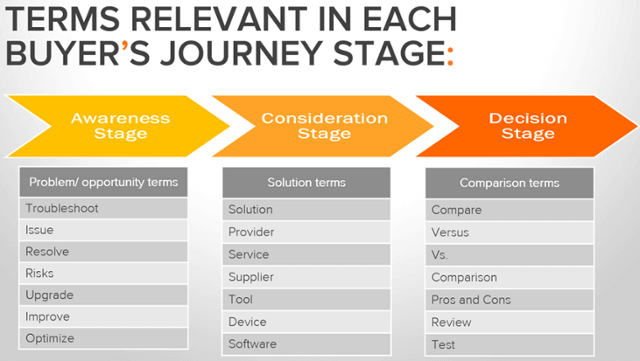
However, it’s unlikely that the CRM itself has a downside, it’s more likely to be the people who use the CRM or those who mistakenly believe that a CRM will change mud to gold overnight.

When choosing CRM software it’s important to know exactly what problems you want to solve. You need to have identified your sales process and exactly how your CRM will align with that process. Failing to do that, and you’re sure to be throwing money down the drain.

Some employees may be resistant to the onboarding of a CRM for any one of a hundred reasons; the old ways are the best; CRMs are too expensive; new technology is too difficult to learn; it’s a way of spying on your employees; etc.
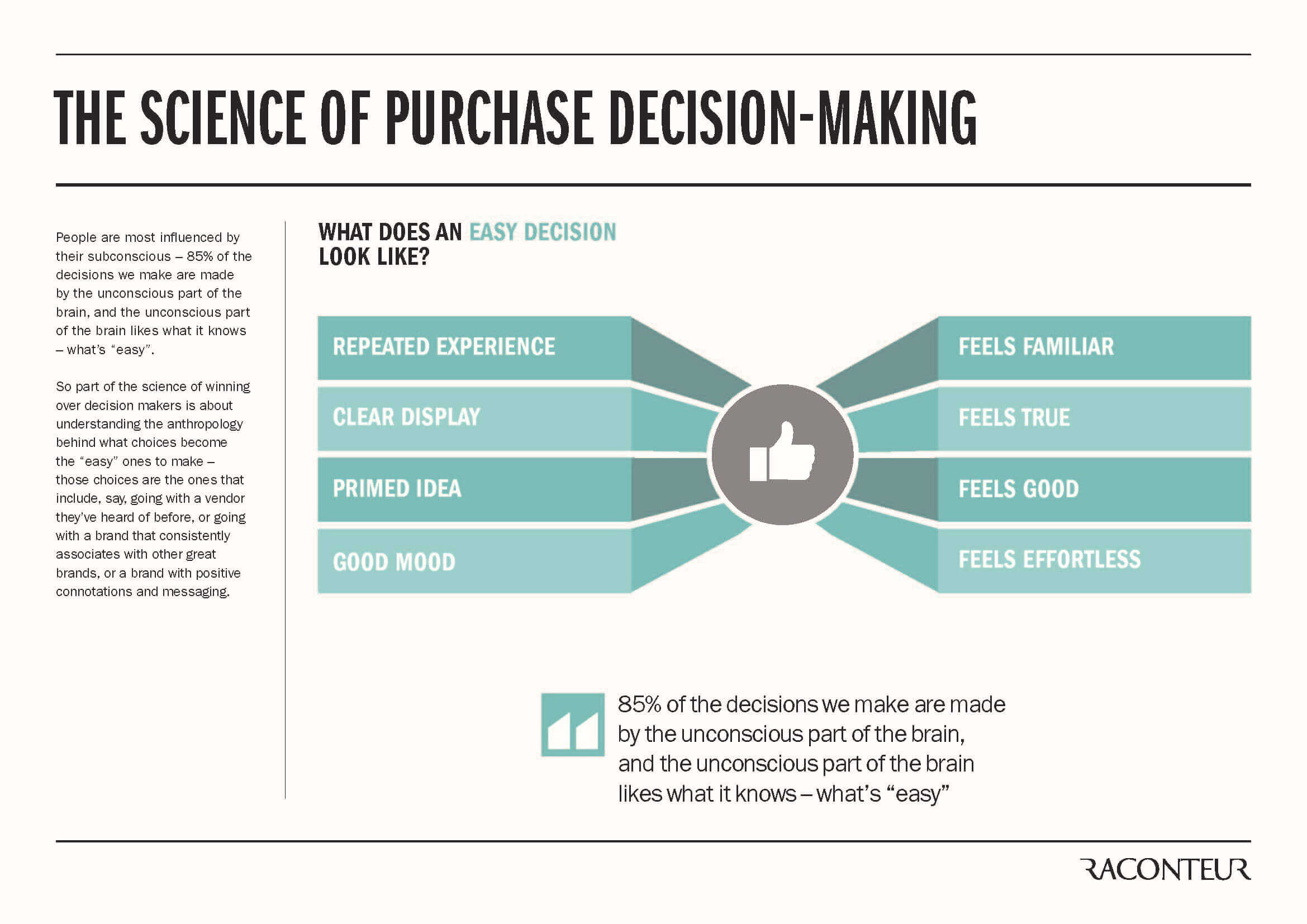
This is not the fault of the CRM, but the fault of the management wishing to implement a CRM into their workspace.

With change comes fear, and that fear must be handled and managed using the correct methods. Thankfully, Teamgate can help companies right through the initial decision-making and onboarding process, by listening to their real needs, by offering practical advice and solutions, by being honest and open, and by offering detailed online training and support, as long as it may be needed.

Now you know what CRM is, isn’t it time to act?

The more successful your business becomes, the more likely it is that you’re going to lose focus – after all, you can’t be everything to everyone.

Customers who have been loyal from the outset may get overlooked, or even neglected completely. New leads may be lost. Appointments may be missed, and vital communications go unanswered. Sales opportunities are getting stuck in the pipeline. Your business has grown so far beyond what you initially understood that you can no longer make accurate sales predictions.

This could spell disaster.

Thankfully, Teamgate is a sales CRM that has been designed by the very people who use it on a daily basis. It has grown as the company has grown. It has learned intuitively from inherent mistakes. And, it continues to evolve and become even more scalable, and more capable of coping with the needs of every sales team, regardless of size.

The tenets of Carnegie have been lessons well learned. At Teamgate we fully realise that to win customers we need to create a relationship and keep those relationships strong. Gathering information smartly is one thing, using that information wisely is another.

Knowledge isn’t power until it is applied (Dale Carnegie)

GET READY TO OWN YOUR WORKDAY

with the most user-friendly CRM on the market.

Start Free 14-Day Trial

Painless setup, no credit card required


It’s no secret, but software and tech’ industries are the clear favourites when it comes to sourcing investment for their startup. See, I told you it was no secret.

In stark contrast, non-tech’ startups tend to be Cinderella-like figures, last to be invited to the ball when it comes to investment funding. But why is that?

One of the main factors behind this is the fact that figures are already resolutely stacked in favour of the tech’ sectors. The history is already there. This can be a disappointing element which disparages investment and involvement in non-tech’ startups. But how does a non-tech’ founder bring their idea to fruition?

Begin, be bold, and venture to be wise  Horace

Firstly, we have to remember one important fact. From the thousands of startups springing to life each new day – both tech’ and non-tech’ – most will fail. And just because your startup happens to be non-tech’ it does not naturally follow that it can’t, or won’t use technology at its core to achieve success. If you don’t believe me, ask Uber, or Airbnb.

successful people

As sure as art imitates life, so does business. Some succeed beyond all expectations whilst other fall flat on their faces. And, it doesn’t matter whether your business is tech’ or non-tech’, people fail; it’s as simple as that.

Business founders and owners who tend to be successful in the non-tech’ world share one thing with entrepreneurs right across the board – they don’t give up. Resilience is the common characteristic shared by all successful people; in business, sport, the arts, and academia.

Being impaired by a lack of technical knowledge can be daunting for any start-up. Especially if you’ve made a decision that your business is going to be non-tech’ orientated, that fear can be even more profound? However, non-tech’ founders who face this fear from the outset tend to stand a far better chance of success and competing with their competitors.

Get it wrong to get it right

If you’re prepared not to give up; I mean, really not give up, if you’re prepared to fail again and again until you’ve mastered what it is you’re trying to do, there’s a very good chance that you’ll eventually master that task. No matter what walk of life you’re involved in, persistence pays dividends, and why should the non-tech’ startup be any different? To put it simply, there’s no reason.

Dream big, work hard, stay focused, and surround yourself with great people

Once again it’s no big secret, but, successful people tend to surround themselves with other successful people. There is a group energy radiated from successful people, an energy which raises all boats and those in them. If you strive to be successful it is the positive energy of successful and good people around you which can help you achieve your goals. But the opposite is also true; surround yourself with negativity and lack of vision and watch your plans and dreams stall and die.

Remember, technology doesn’t have a heart – people do

Don’t let technology cloud your vision, it’s the people around you who really matter. While technology can ease the path it’s people who walk with you on that path; helping you when you stumble and offering encouragement to carry on when all seems lost.

tech startups

It’s better to light a candle than to curse the darkness

It might seem like a pretty obvious thing to say, but you’d be surprised how many people never light that candle. Embrace the problems which come your way. Learn to love them in fact; these are the challenges, the darkness which will make any non-tech’ startup ultimately better and more prepared to compete successfully.

Learn to explore the problems with which you’ve been presented; examine them from all angles and never be afraid to ask for advice. There may be no one clear-cut manner of surmounting any obstacle which can arise, there may be multiple means to realise the required change, so, learn to embrace the problem and explore it until you secure the solution that’s right for you. Try to keep in mind that it may be this specific problem, and its ultimate solution, which presents you with the edge allowing you to shine brighter than your competitors.

Be the absolute best you can be, and then be better

Sometimes it’s possible to bring a product to market that has been done a hundred times before.

Take bread for example: it’s been around for tens of thousands of years but a new variety or brand appears on our shelves every other day. If your business idea happens to emulate others around it, make sure that you offer something which others don’t. Something better, something innovative, or something more appealing to trend, price or society. There’s always room for improvement in everything we do.

Is technology the answer or the problem?

Many startups have no requirement for technology but still manage to bog themselves down searching for technological answers to problems which don’t exist. Some functions and processes are still best performed in the manner in which they have been for years – without the need for mechanisation and modernisation.

non-tech

Examine your process well, and decide the best route for you, your business model, and your product or service. Do not be afraid to go back to basics, attempt to eliminate the need for high-end prototypes or 4D modelling, use the tools at your disposal, with the necessary respect due for your product and your eventual goal. Even with this in mind, you can compete as a non-tech’ company employing technology as a means of delivering your product or service.

Whatever you do, don’t give up

Mr. Steinbeck we have decided not to publish your novel, the seminal American masterwork of the great depression, The Grapes of Wrath.” And so reads a letter from Random House Publishing, the rest is appointed to history. Steinbeck didn’t give up and neither should you.

Yes, dreams get damaged and even broken. Investors walk away. Markets often aren’t ready for you or your product. Whatever life throws at you be prepared to rework your plans, dust yourself off, and get back on that horse. Do not give up!

Sometimes the failures are your fault – fix them

Really great products are born from a need, and through innovative or simple design. If there happens to be a problem with any part of this equation, things are going to get difficult.

However, once a problem has been logged it becomes a necessity to analyse exactly what went wrong, where it went wrong, how to fix the problem and get back on the market as quick as possible. The fact of the matter is that most products never make it to market without some changes to their initial design or marketing plan; it’s just the way it is. Accept it, change and move on to the next stage.

Once upon a time, there was a…

Usually, the first few lines of a story are enough to capture the attention. Those first words grab your interest, engage you entirely and demand you know more. In business it’s your job to be those words; to engage colleagues, investors, and mentors with great storytelling. Leave them wanting more.

Most great start-ups are accompanied by great storytelling. Take Apple’s launch of the Macintosh personal computer with a video directed by Hollywood mogul, Ridley Scott, and set in a dystopian future in the style of George Orwell’s ‘1984’. The advertisement was aired on US television as the last piece of the night on December 31st, 1983. A great story, great timing, launching a revolutionary product, in the most visually stimulating of manners.

For most start-ups storytelling on the scale of Apple is but a dream, but remember, a great story is just that; a great story.

Try to be compelling, to educate, to solicit an emotional response, or to launch a movement or campaign.

Keep it simple and develop a style that suits your start-up and appeals to your customer.

And most of all; tell your story with the passion with which you build your brand.

Do you have a CRM that keeps you organised?

The most user-friendly CRM on the market. 14-day free trial.

Start Free Trial

Painless setup, no credit card required

If you’re involved in sales you don’t need me to tell you that salespeople have taken a bad rap over the years.

They’ve been branded with all manner of monikers; shysters, charlatans, hucksters, snake-oil peddlers, swindlers, con-men, phoneys, crooks, scoundrels, robbers, sharks, tricksters, and a hell of a lot more. Hardly flattering to an entire profession and extremely difficult to get rid of

So, how did that happen?

The answer is, probably pretty easy. Someone somewhere had their trust in another human being completely destroyed.

Trust is the cornerstone of all great sales relationships

Sales CRM Sell trust

It’s no secret, trust is the cornerstone on which all lasting sales relationships are built. Ask yourself, would you buy anything from a person you don’t trust? That’s what I thought.

Literally speaking, trust is defined as; ‘To believe that someone is good and honest and will not harm you, or that something is safe and reliable’.

Trust is the radar which our brain beams out to bounce off the world around us, just to make sure that it’s not about to do something it might later regret. Like when a stranger asks you to wear a suit made from raw meat and take a walk through a pride of lions while imploring you to believe him that the lions are not only tame, but they’re also vegetarians.

In essence, trust is vital for our well-being, and for our survival, especially in sales.

From the moment we are born, trust comes in to play. Every child depends entirely on those around them to answer all of their needs; food, warmth, security, love. If these needs are not met, the seeds of distrust are planted early.

As we grow we gather more and more information about the world around us, every interaction we have with the world adds, or subtracts, to our understanding of the notion of trust.

Can we trust our trustworthiness?

But there’s a problem with these interactions, and it’s this. People are fallible; we are capable of making mistakes and errors of judgment, we can even misinterpret the signals which we receive from our inbuilt trust radar. Our trust instinct can become blurred and confused.

In order to get us back on track, we look for other clues to guide our judgment. We ask questions, search for visual pointers, seek references and source similar scenarios from our own past, and from the pasts of others.

But regardless of who we are, every one of us arrives at adulthood with a notion of trust which has been kissed, kicked, battered and coddled, molded and sculpted, until all we are left with is the bare bones with which to form our opinions. Hardly an ideal situation for doing business, but as mere humans, it’s all we have.

In response, the majority of us have come to realize that we need to form strong relationships – in all sectors of our lives, including sales – in order to nurture success.

Has the value of trust changed?

Sales Trust CRM

Customers won’t buy from people they don’t trust. If your goal is to sell more, you’ve got to be trusted more.

But, times have changed, and sales patterns have changed.

Customers are far more informed. They know what they want, the problems that need to be solved, and they know where to look for those solutions.

It’s highly likely that whatever it is that you happen to be selling, so are a thousand of your competitors. So what makes you stand out from the noise?

The answer should be, as it always has been, trust.

Employing the tools of trust

From the very first moment a prospective customer lands on your company’s website, the message has to be, ‘It’s cool, I know what I’m talking about, plus, you can trust me’.

In the same way that a jilted lover needs a shoulder to cry on, a customer with a pain-point needs someone they can really trust to relieve that pain.

Never forget for an instant that humans evolved by being social animals, by needing, and receiving the support of other members of the group, by being aware of the social responsibility, and by the preeminent need for social trust. This need hasn’t changed.

By way of emphasizing that idea, a study of chimpanzees by J.M. Englemann & E. Herrmann – Chimpanzees trust their friends’ – says, ‘Trust is… inherently uncertain as it involves the risk of exploitation by cheaters who fail to prove trustworthy. One solution to this problem is the formation and maintenance of close and long-term social relationships…’ Trust goes back a long way.

What sales professionals need is a trust mantra. A series of definitive principles regarding the notion of trust and how it should be enshrined and grounded throughout the complete sales process.

7 steps on the righteous road to trustworthiness

 Speak no evil – You’ve got two ears and one mouth for a very good reason – to listen twice as much as you speak. Show your customers that you really care by listening to what they have to say. If they have a problem that needs to be resolved, ask in-depth questions on how they would like the problem resolved, then listen very carefully. If you spent the time nurturing the customer through effective listening, they’re far more likely to build a trusting relationship – regardless of whether you close a deal or not.

And it’s not just business talk you need to be listening to. You might not want to hear about your customer’s bellyache, but sometimes, for the sake of trust, you just have to take one for the team.

Liar liar your pants are on fire – Whatever else you might be in life, build a reputation for being honest. There’s no surer way of losing your customer’s trust, and their business, than by telling lies. Remember, a little white lie might get you across the sales finishing line, but it may also come back to haunt you forever. In the long-term clients are more likely to respect your willingness to tell the truth, regardless of the outcome.

It’s good to talk – Stay on top of the game with your customer. If they have a query make sure you reply within the promised timeframe. Even if you can’t find an answer, get back and let them know that you’re working on a solution. Be in contact and stay in contact during all stages of the sales process, and even after the deal’s been done. There’s nothing says more about your trustworthiness than a customer-care call long after a deal has been closed, and the product has been delivered

It’s not you, it’s me – Think of your customer in the same way as you would like others to think about you. Really try to imagine the questions they might have and do your best to answer them, even before they’ve been asked. This ability will see your trust rankings soar through the roof. If you think they may be a little upset about some aspect of the deal, ask them straight up. Analyze your own performance and ask for your customer’s feedback, maybe there’s something extra you could be doing. Is there some way you can offer extra value to the customer? Try to think as they might think, you’ll be surprised by the dividends it can pay.

Rome wasn’t built in a day – Give your customers the time they deserve. Remember, people aren’t just waiting to offer you their trust, you have to earn it, and that takes time. Be attentive to their needs, their calls, the scheduled meetings, delivery dates, national or local issues, and anything you can think of. The more you know about your customer – that’s where ‘it’s good to talk’ comes in – the bigger the overall picture of their life you can build, and the easier it becomes to anticipate their needs. If you can reach out in the right way, at just the right time, you’re on their Christmas card list for life.

Walk the walk – Be confident in yourself and your product. Never overinflate your abilities but if you’re genuinely proud of your yourself and what your company can do, fill your lungs and say it proud. Customers will recognize this for what it is and not bravado. And what’s more, they’ll like it and trust you for it too.

Now that you’re going steady – Let a satisfied customer know that you’ve really enjoyed building your relationship. Don’t be afraid to ask their advice on how you might approach a similar customer in a similar situation. Request feedback, and feature their recommendations on your website. Invite them to seminars or meetings that might be of interest to them. It doesn’t even have to cost, sending them some of the latest industry information may be enough to show how much you value the relationship. And, when the time comes for upselling, let them know, personally, about how new products, advances in technology, or improvements might benefit their particular needs.

The technology to boost your trust factor

CRM Software Calendar Teamgate

Hey, you might say, look at my sales records, look at my company rankings, my customers love me and trust me. And it might be true. But is there nothing you can do to keep that trust and grow it even further?

In fact, there is. With the advancement of the digital age, a host of new sales technologies have come to the fore. One, in particular, is the ever-evolving sales CRM software sector. Intelligent CRM software lets salespeople work smarter and with less effort by automating the processes. This gives you more time for your customers.

From automatically sourcing the right leads, to scheduling calls, meetings, and follow-ons, CRM sales software has done more for creating an aura of trust than when the inventor of the guillotine offered to demonstrate the device on himself in order to prove its worth.

Thankfully, there’s no need for you to go that far. Modern CRM technology gives salespeople a full range of automated tools, features, and ARIs with which to build a long-lasting, and profitable relationship, steeped in the principles of mutual trust. 

GET READY TO OWN YOUR WORKDAY

with the most user-friendly CRM on the market.

Start Free 14-Day Trial

Painless setup, no credit card required

How free is your free CRM?

Sure, you’ve got free-will, but using it to choose free CRM software may not be the best business decision you’ll ever make.

“Why?” I hear you say, “What’s wrong with free CRM software?”

If you value your business, if you value your clients, and if you value the integral security of your data, free CRM software might not do anything to increase that value. In fact, it might just have the opposite effect – Ouch!

But let’s start at the beginning.

Perhaps you want to choose a new, first-time CRM for your business. Or, perhaps you’re planning on migrating from an existing sales software and you’ve decided you’d like to save some money in the process.

There’s nothing wrong with wanting to save money. But saving money on one of the most valuable components of your whole sales process – your CRM software – could be your downfall. It’s like buying cheap tires for your car when you really need them, they might just let you down. Disastrously.

What are the issues with a free CRM?

One of the big problems with free CRM software is that it might promise the sun, moon and stars, but you soon realise that the really helpful features – and usually the essential features – cost a little or even a lot extra.

Also, with free CRM software you can find yourself and your business, relying on software where even the security of your data might be at risk; you have no control over the look and feel of the interface; the integrations which you need to manage your customers’ experience don’t exist, or are too expensive; and customer support is non-existent. Hardly ideal for running a successful business.

Without backup and support to help you onboard your new free CRM system, you might just lose the enthusiasm of your sales team before they even get to use the new tools. Losing the confidence and participation of your sales team at this early stage can prove very costly in the long run through lost sales opportunities.

You get what you pay for

Free CRM software

A free CRM system may sound like a great way to save money, but trust us, it’s not.

As we told you earlier, CRM is vital for the careful nurturing of your leads and customers. It’s also a vital component of how your sales teams interact and communicate with those customers. Plus, it offers you great insights and analysis of where your business is getting stuck, sales team performance levels, and future sales predictions.

Can you really trust an inferior product with so much responsibility? We didn’t think so.

What you get with a FREE CRM:

  • No reliability
  • Lack of mobility
  • Limited features and integrations
  • Non-existent customer service and support
  • Poor ease-of-use
  • Concerns about data security
  • Poor contacts management
  • Limited if any customisation
  • Secret pricing
  • No scalability

What you get with a Paid-For CRM:

Reliability – If technology is not your thing, it’s best to leave all the background stuff to the professionals. The best sales CRM software providers will keep your software up-and-running at all times, invisibly, and in the background. You don’t need programming skills, or any advanced knowledge to enjoy the benefits of a great CRM. What’s more, should any technological issue arise you can be sure that your interests are being served by a highly qualified, and dedicated technical support team.

Mobility – This is one of the great qualities of a paid-for CRM, the ability to go anywhere with a Wi-Fi connection, and take your complete office with you. Carry all the information you need in your pocket, ready to access when you need it, where you need it. Many free CRM packages don’t offer this functionality, and if they do it can be patchy at best. Be aware.

Features and integrations – You’re probably not going to get a champagne cooler as standard in a regular family car, in the same way, free CRM software probably won’t offer you everything you need to guide your customers effortlessly through your sales pipeline. Sometimes, with a free CRM all you’re really getting is the basics, and sometimes nothing more than a glorified address book.

Customer service and support – This is that one feature of a paid-for CRM that you need to sit up and really take notice of. With free sales software if you encounter a problem – technical, or just to get some answers – we’ve got news for you; you’re On Your Own!

When you choose a paid-for sales CRM – especially a quality CRM like Teamgate – you have the peace-of-mind of knowing that you’re never alone. The Teamgate customer experience team are on hand to help you through any issues or concerns you might have. You’re not alone.

Ease of use – An easy to learn and use CRM is bound to engage your sales teams a lot easier, and a lot quicker. Onboarding your salespeople to a new CRM is vital, the quicker that can happen, the better it is for everyone – especially your profits. Plus, navigating around your CRM dashboard is so easy and offers you instant insights into the health of your sales process at any given point in time.

Data security – Quality CRM providers have the sensitivity and security of your data as a core priority. With a trusted CRM you can have the personal peace-of-mind knowing that your data is constantly backed up, and stored in multiple high-security remote data centres. Plus, any downtime – should it occur – will be kept to an absolute minimum to reduce any inconvenience to your business.

Contacts management – When it comes to managing your contacts the system you use should be neat, organised, functional, searchable, and easy to interact with. Free CRMs don’t offer this kind of functionality. In fact, most free CRM software is little more than a basic address book. A quality CRM should allow you to easily manage your contacts database and all the information that goes with it, from one central location, and without fuss. Your contacts are the people you deal with on a day-to-day basis and are the main component of your sales process, they should be treated with that respect.
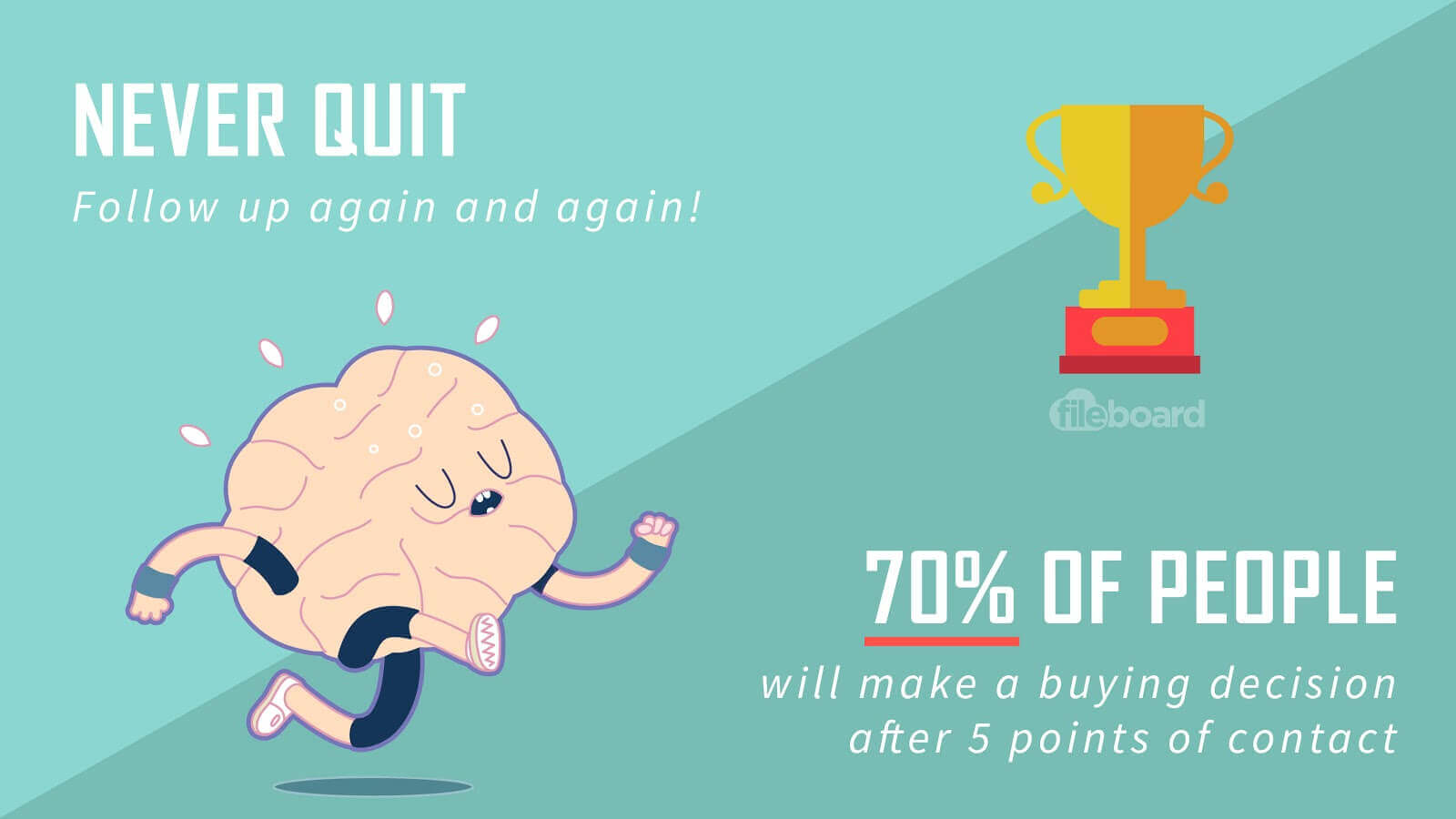
Customisation – Being able to customise various fields in your CRM can greatly help the way you organise your whole sales process. Each stage of the sales process can be broken down into further segments which suit your needs. Your contacts can be assigned various ‘tags’ making them easier to search, or easier to group into categories. The more customisation available with a quality CRM, the easier it will be for sales teams to organise their sales data even better; files can be hidden, or shared among various sales team members creating greater continuity in the sales process.

Secret pricing – With ‘free’ CRM software the costs are usually hidden. While the basic software may be free, the tools, features and other add-ons you really need for functionality come with hidden pricing. With quality CRM software, you should know what you’re paying for from the outset. Many of the best paid-for CRMs come with multiple price plans, designed to suit various sized businesses, and varying budgets.
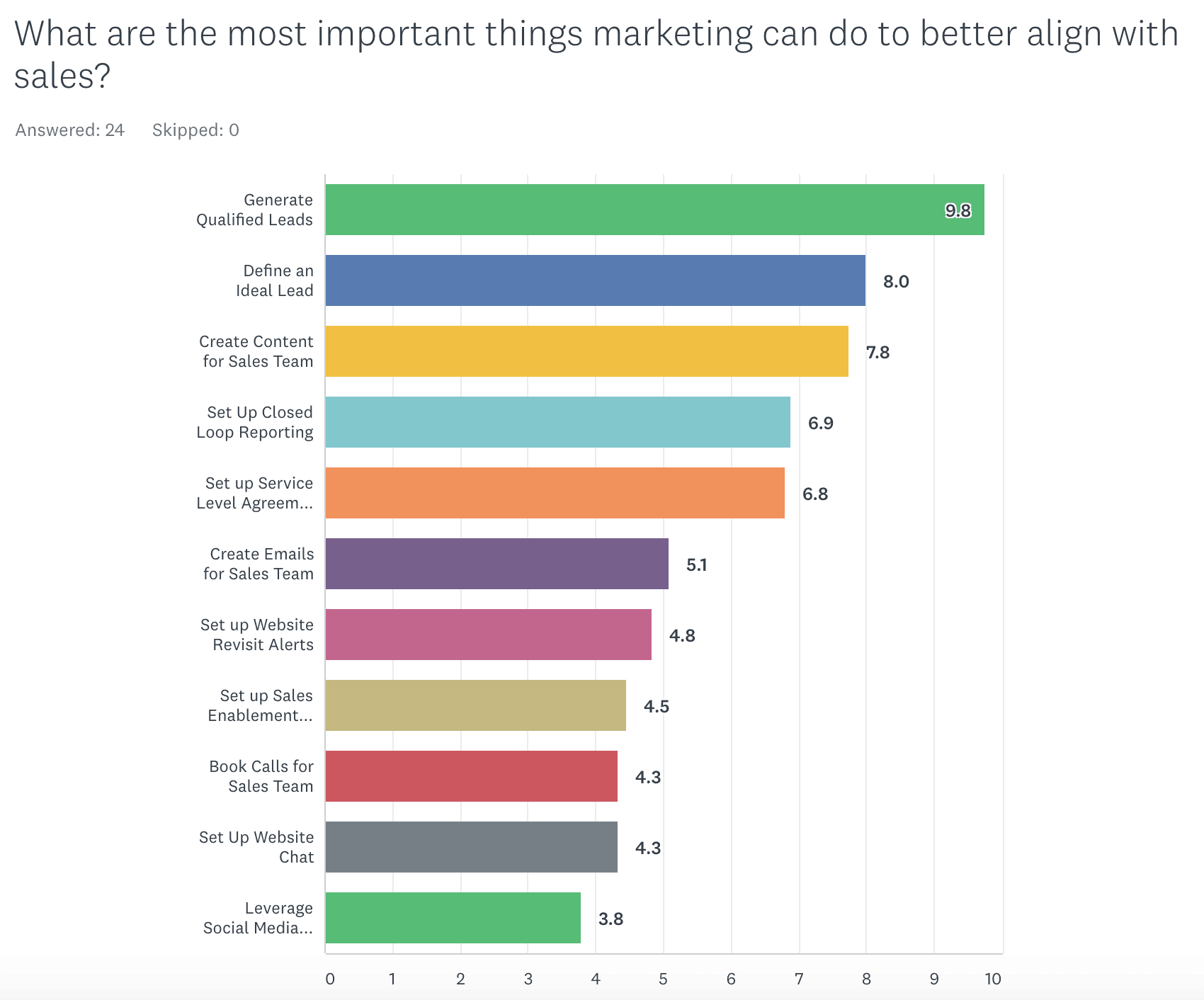
Scalability – One of the big questions for a small business or startup when choosing a CRM, is whether the CRM is fully scalable? A CRM that needs to be replaced, or is no longer functional after the business has reached a certain size, is a waste of time, and money. A quality CRM like Teamgate comes in a variety of formats and price-ranges, each one designed to take a growing business to the next level. The CRM is constantly evolving, with a continuous supply of new features and integrations, designed to make your CRM as sophisticated or as simple as you need it to be, now and in the years to come.

They’re right, there ain’t no such thing as a free lunch

Free is always tempting. But in the back of our mind, we know that we should be cautious. That’s especially true when choosing free CRM software.

The purpose of a CRM is to help your sales team, and your sales process to flow as smoothly as it was designed to do. Anything that upsets that flow of sales is bad for your business health.

A free CRM could be very bad for your business health, and the bad news is that there’s no easy cure.

The fact is simple, if you want quality you have to pay. If you want support, and the features to grow your business you have to pay. If you want the power of insights and analysis to help your business forecasting, you have to pay. If you want to nurture your customers with every interaction, you have to pay.

But think of it as money wisely invested in your growth. Take your time, find the CRM that’s right for you, ask a lot of questions, and most of all don’t rush into any hasty decisions. Free CRM software might sound like a bargain, but you can be sure it’ll cost you dearly in the long run.

As they say, choose in haste, worry at leisure.

GET READY TO OWN YOUR WORKDAY

with the most user-friendly CRM on the market.

Start Free 14-Day Trial

Painless setup, no credit card required

Handling your sales accounts and finances can often feel like somebody else’s business. It can eat into your valuable sales time and cause you hours of frustration.

But wait! There’s a solution at hand. By integrating QuickBooks with your CRM you can simply and effectively manage all of those accounts and finances via one simple process. Problem solved.

Now, we want to share with you how QuickBooks and Teamgate CRM integration can drastically simplify, and change the way you manage your finances. And, as a bonus, give you back the time you’ve been wasting.

But, just what is QuickBooks?

QuickBooks CRM

QuickBooks is an accounting software with an open API (application programming interface) which integrates with your sales CRM. It provides a selection of invaluable accountancy and financial management tools, designed to make your sales team’s job less complicated.

The integration between Teamgate – the award-winning full process Sales CRM software – and QuickBooks gives your salespeople a simple, accounts management system, designed with simplicity in mind.

Simply link your Teamgate account’s deals or contacts to QuickBooks and start to manage all of your accounts and finances from one place. The CRM integration with QuickBooks online really is that simple.

Create new invoices, check current invoice status, set invoice due dates, connect invoices directly to a customer contact card, schedule payment dates, see when invoices have been paid, and much more.

What are the real rewards?

The real job of a salesperson is to sell. And, in the busy, hugely competitive world of sales, a tool which makes a salesperson’s life easier, and more productive, should never be ignored.

With no more confusing spreadsheets or out-of-date software packages to slow you down, the QuickBooks integration brings you to the next level of managing your business finances expertly.

The rewards of QuickBooks integration:

  • Check your invoices directly from your deal’s or contact’s card
  • Create a new invoice in Teamgate CRM and it will automatically sync with your QuickBooks integration software. The QuickBooks online integration does it all for you
  • Connect existing invoices in QuickBooks with a deal or a contact in Teamgate
  • Stop wasting time on data entry by copying company contact details from QuickBooks to Teamgate, and vice versa
  • See instantly when an invoice has been marked paid
  • Easily filter the relevant invoices by status
  • QuickBooks CRM integration offers a great user-experience and sets up in minutes.

Is it easy to get started with QuickBooks?

It couldn’t be easier to integrate your Teamgate and QuickBooks accounts. A couple of really easy steps – we can guide you through the quick process here – and you’re ready to start managing your accounts without the endless need for paperwork.

Let the easy-to-use QuickBooks integration take control of your accounts and finances, while you focus on your sales results.

Plus, don’t forget, it’s totally mobile, which means that you have access to all your accounts, invoices, etc. while on the go.

If you think your business could profit from a QuickBooks integration, get in contact today and sign up for a Free personalised Demo, explaining the full benefits of the Teamgate CRM solution. 

Do you have a CRM that keeps you organised?

The most user-friendly CRM on the market. 14-day free trial.

Start Free Trial

Painless setup, no credit card required